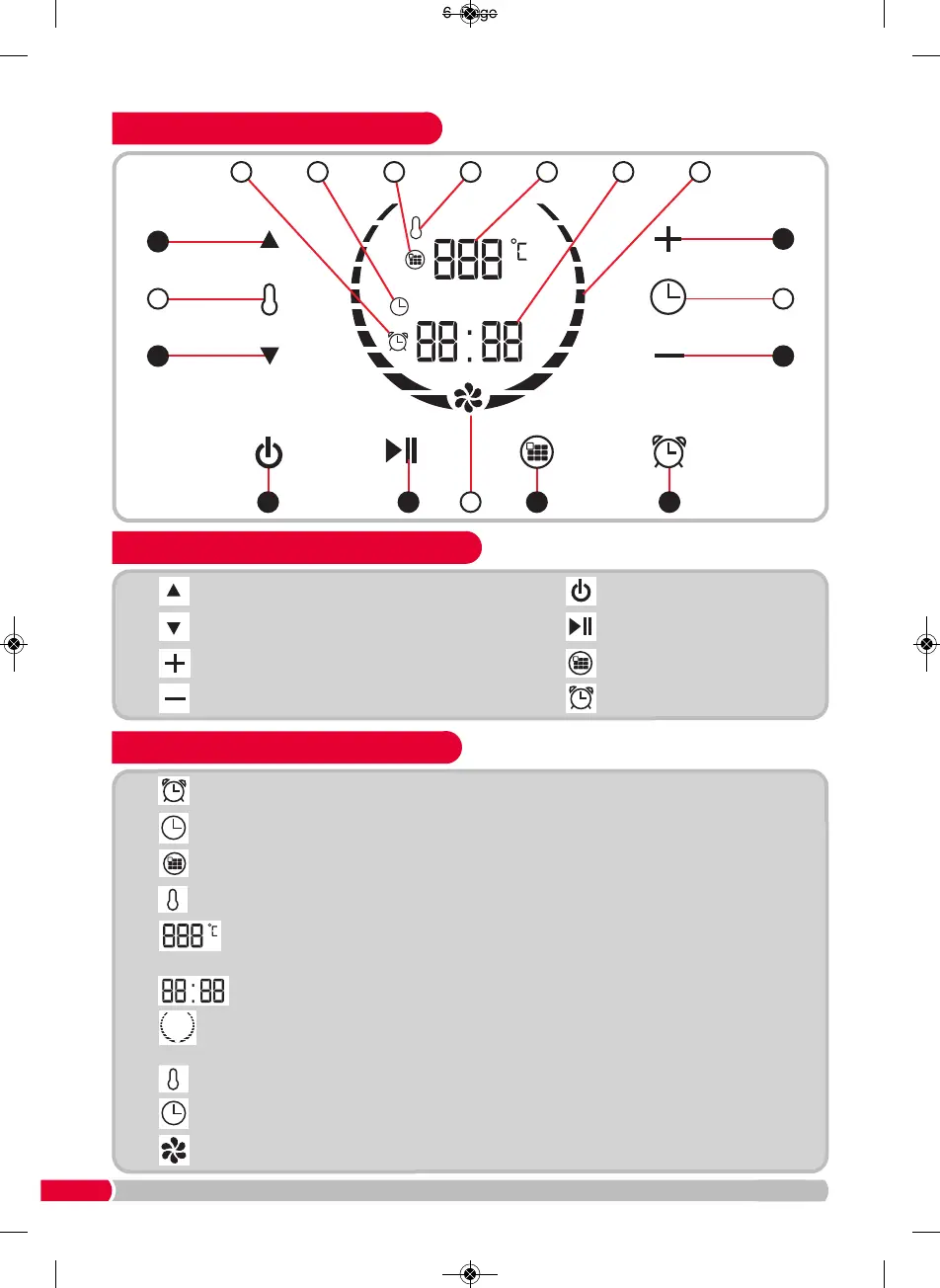
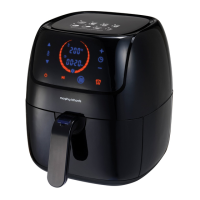
Touch Control Panel Icons
(13
)
De
l
ay
Ti
me
r Ic
on. Whe
n dis
pl
ay
e
d, you c
a
n adjust the timer using
(C)
&
(D)
.
(14
)
Cook
i
ng Tim
e
Icon
. Wh
e
n di
spla
ye
d, y
ou
can adjust the cooking time using
(C)
&
(D)
.
(15
)
Program
Ic
on. Wh
e
n dis
play
e
d, you
m
ay
select your desired program.
(16
)
Tempe
ra
tu
re
a
dj
us
t Icon. Wh
e
n di
s
pl
aye
d, you can adjust the temperature using
(A) &
(B)
.
(17
)
Tempe
ra
ture
Re
a
d-out. Di
s
pla
ys th
e
c
urrent selected temperature and the actual
te
m
pe
ratu
re
(wh
e
n
19
i
s fl
a
s
hi
n
g).
(18
)
Tim
e
Read-ou
t. Displ
ays
th
e cu
rren
t selected time.
(19
)
H
e
atin
g Ic
on
. Whe
n
di
s
pl
aye
d, the H
ea
l
th
Fryer is in operation. When flashing, the
temperature is increasing to the set temperature.
(20)
Temperature Icon. Highlights the temperature-adjust area of the panel.
(21)
Time Icon. Highlights the time-adjust area of the panel.
(22)
Fan Icon. When displayed, the fan motor is in operation.
(
E)
On
/
St
op
But
t
on
(
F)
St
ar
t
/
Pause
But
t
on
(
G)
Pr
e-
pr
ogr
am
Funct
i
on
But
t
on
(
H)
Del
ay Ti
m
er
Funct
i
on
But
t
on


 To Next Page