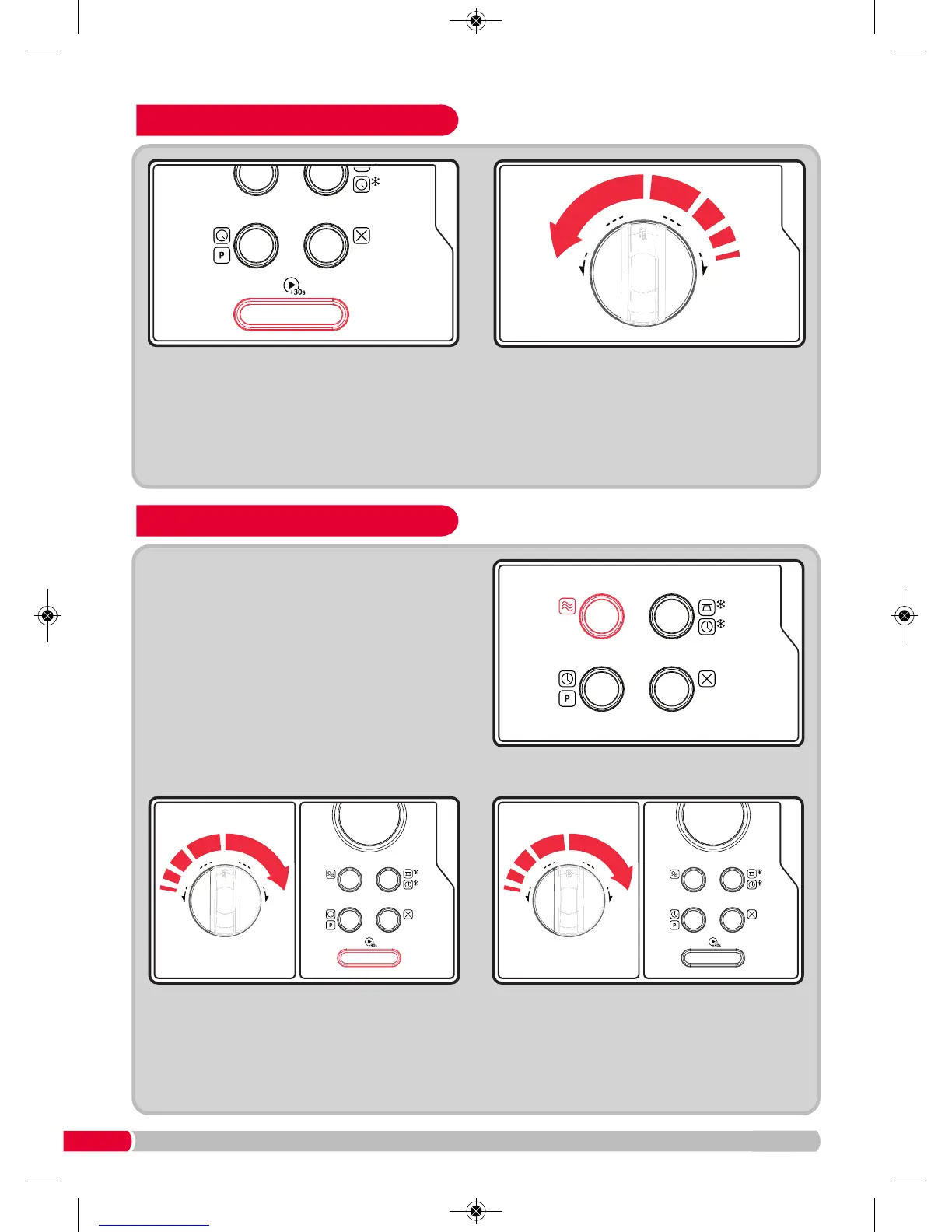
If you require a more specific cooking time turn
the Auto Dial (11) anti-clockwise to choose the
cooking time directly. Press the Confirm Button
(10) to start cooking. The microwave power is
100%.
Quick Cooking
Cooking at a Preset Time
Press Start/+30 Button (10) once to start
cooking with 100% power level for 30 seconds.
Each press on the same key will increase
cooking time by 30 seconds. The maximum
cooking time is 95 minutes.
Set the clock first (see page 6). Input the
cooking program (see example below). A
maximum of two stages can be set. Do not use
the de-frost function in the pre-set function. The
auto menu can be set for a single stage only.
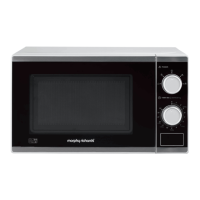
EXAMPLE: If you want to cook at 14.30 with
80% microwave power for 7 minutes.
Press the Power Button
(6) once.
Turn the Auto Dial (11) clockwise to choose
80% microwave power until P80 is displayed.
Press the Confirm Button (10) to confirm.
Turn the Auto Dial (11) to adjust the cooking
time to 7 minutes. After steps 1-3 DO NOT
press Start/+30 Sec button (10).
Continue to step 4.
511500 REV 2.qxp_Layout 1 06/04/2017 09:03 Page 8



 To Next Page