02/12/16 CM1K90F_IT-EN-DE
ENGLISH
ENGLISH
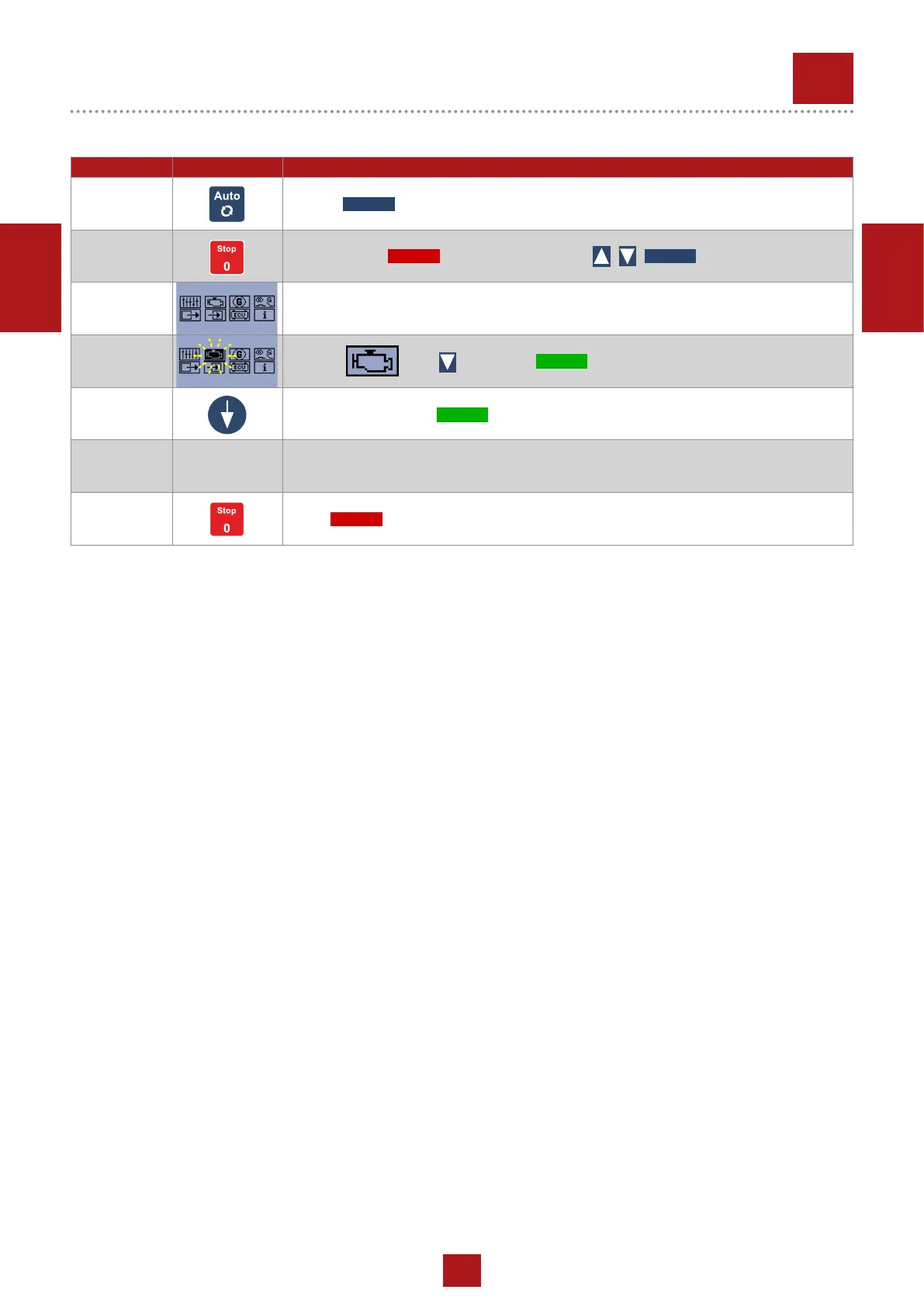
POSITION BUTTON DESCRIPTION
1 Turn off button
2 Press and hold and press in sequence
3 The screen show
4 Move on with and press
5 Move to E07 and press
6
Set up hours for the next maintenance operation.
(You have to set up hours following the instruction of user manual or the direction of the
maintener)
7 Press 3 times to exit
REV.0-07/19
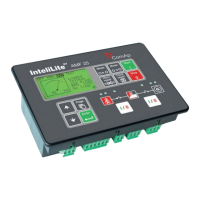
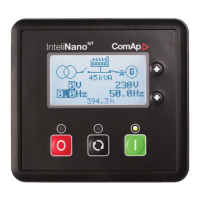
INTELINANO PLUS
7
PROCEDURE FOR HOUR/MAINTENANCE ALERT RESET
STOP
AUTO
START
AUTOSTOP
START


 To Next Page