Motion Computing LE-Series and LS-Series Tablet PCs User Guide 7
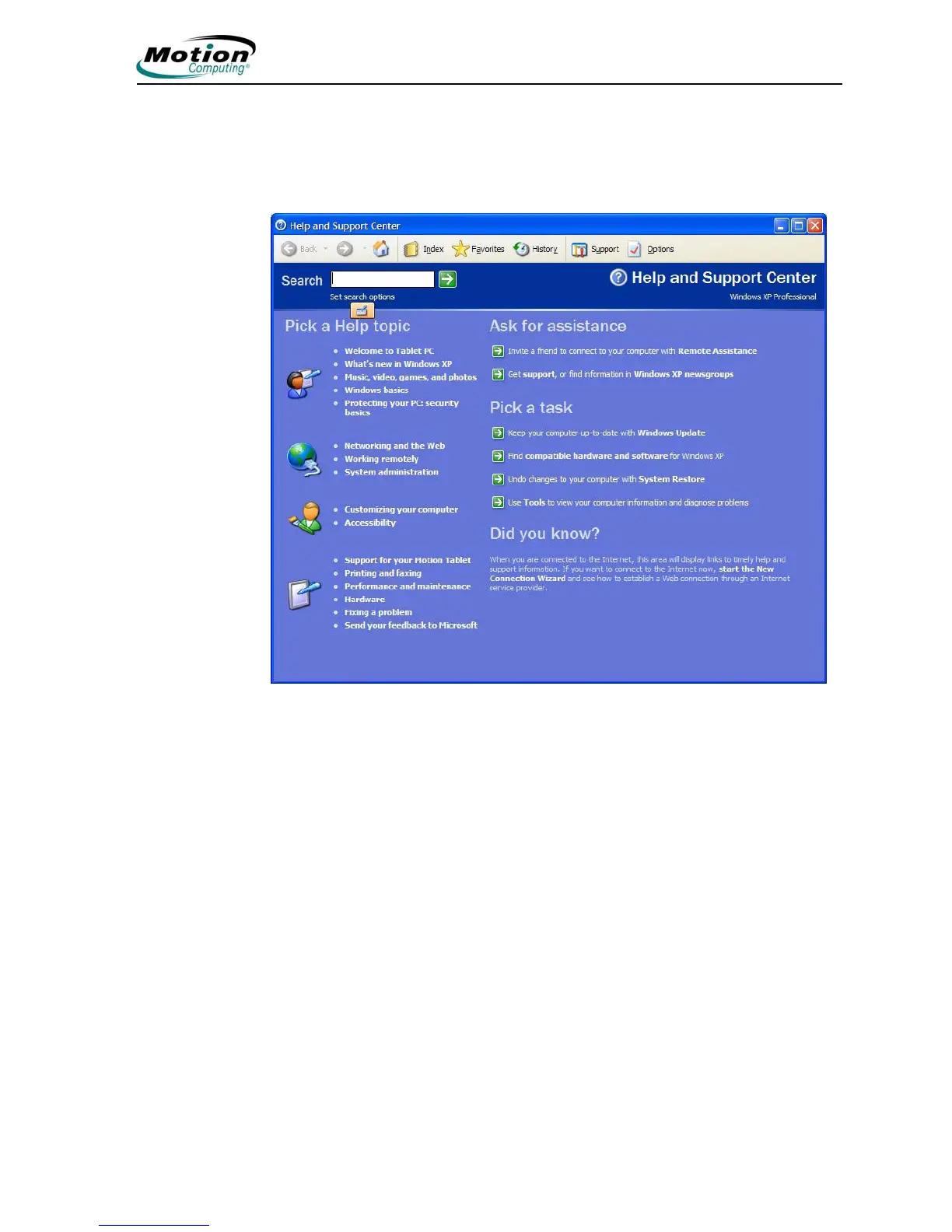
Visit the Microsoft Help and Support Center
You can find additional information about your Tablet PC and the Windows XP
Tablet PC Edition 2005 Operating System in the Microsoft Help and Support Center.
Access help by selecting Start > Help and Support.
Whenever you open the Help and Support Center while your Tablet PC is
connected to the Internet, the "Did You Know" section checks for updates from
Microsoft and Motion Computing, such as system-use hints, or notices from Motion
Computing about your Tablet PC.
If this is your first experience with the Windows XP operating system, taking the
Microsoft tour is a good way to get started.
Select Start > Help and Support > What’s new in Windows XP > Taking a tour
or tutorial.



 To Next Page