Motion Computing LE-Series and LS-Series Tablet PCs User Guide 21
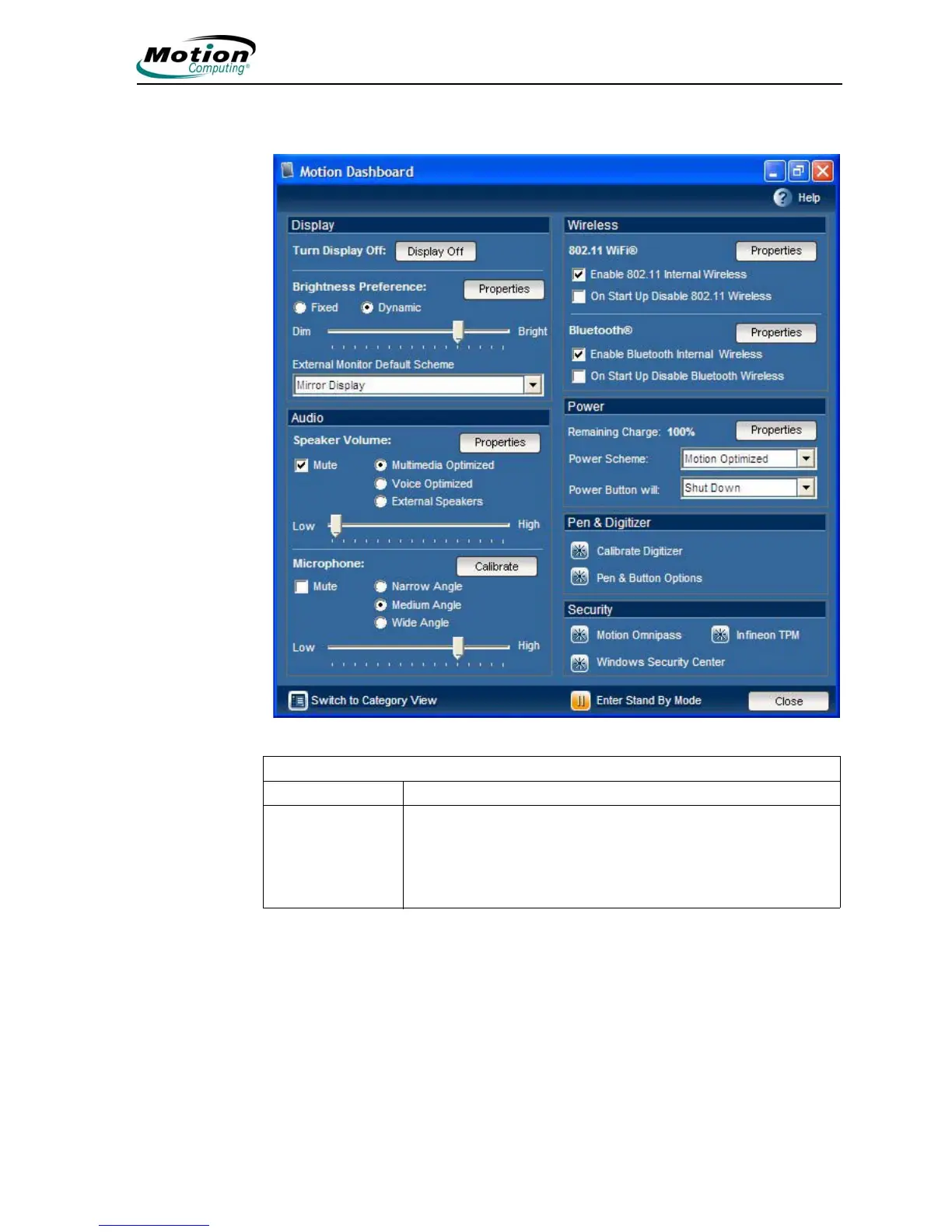
The following illustration shows the Classic view of the Motion Dashboard.
Motion Dashboard features
Feature Description
Turn Display Off Tap the Display Off button to immediately turn off the display
(display goes black). If you do not remove the pen away from
the screen quickly enough, the screen may become active
again. To activate the display after tapping Display Off, touch
the display with the pen or press any key on the keyboard.



 To Next Page