Motion Computing LE-Series and LS-Series Tablet PCs User Guide 35
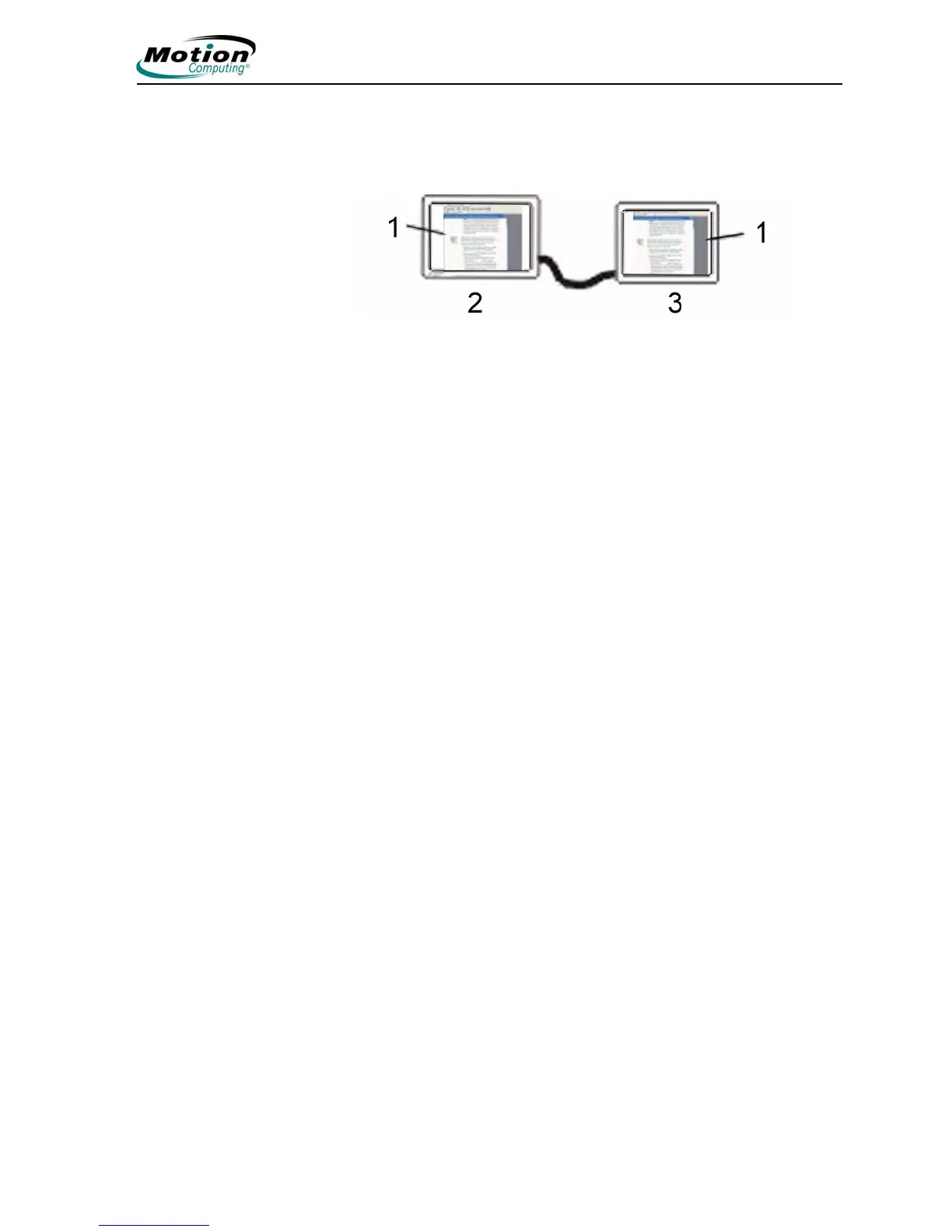
Setting up a mirrored display. Use this feature to connect an external projector
for presentations or an extra display on your desk. This example shows a Word
document (1) displayed (“mirrored”) on both the Tablet PC (2) and an external
monitor (3).
Mirrored Display Example: (1) Word document; (2) Tablet PC display; (3)
external monitor
NOTE: The resolution and orientation of the external monitor will be the
same as the Tablet PC display.
To mirror the Tablet PC display, perform the following steps:
1. Open the Motion Dashboard.
2. On the Display panel, select Mirror Display from the pull-down menu
under External Monitor Default Scheme. This setting automatically cre-
ates an identical display on the external monitor.



 To Next Page