4 Motion Computing LE1600 and LS800 Tablet PC User Guide
Perform the following steps to familiarize yourself with the Tablet PC.
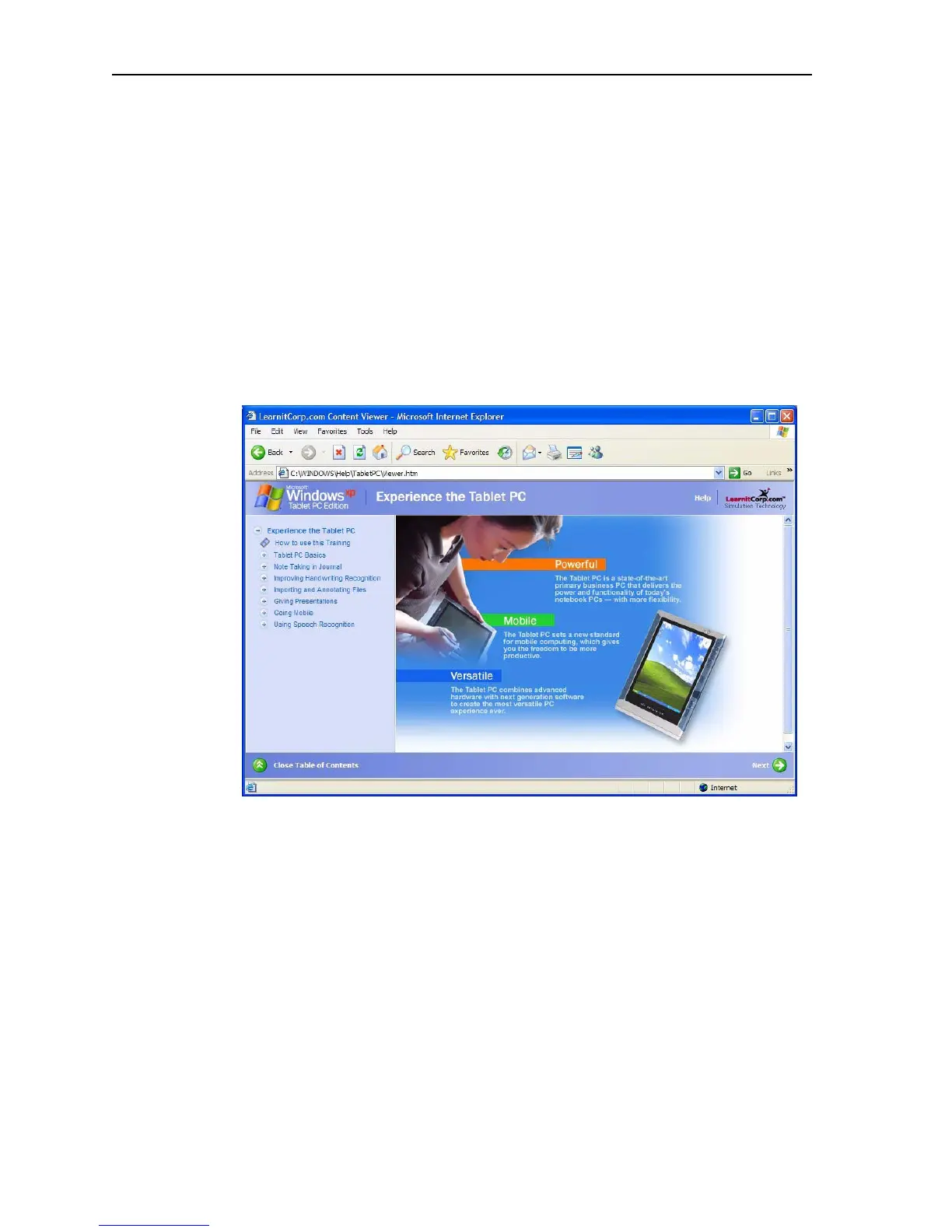
• Complete the Microsoft Tablet PC Tutorials
• Read the Motion Resources Page and review the User Guide (this docu-
ment)
• Open the Motion Dashboard (refer to “Open the Motion Dashboard” on
page 5) by tapping the Motion Dashboard icon, or by pressing the
Motion Dashboard button
• Go to the Microsoft Help and Resources Page for more information
Complete the Microsoft Tablet PC Tutorials
When you start your Tablet PC, several tutorials are offered to help you
learn to use various features, such as the Tablet PC Input Panel (TIP) and
speech recognition.
The tutorials are short, quick, and informative and are an excellent place to
begin a successful Tablet PC experience.
NOTE: Microsoft Windows XP Tablet PC Edition 2005
provides several tutorials. One set appears each time you
start the Tablet PC (unless you deactivate this option). If you
are new to the Tablet PC world, taking the tutorials is a great
way to get started and learn quickly.
Review User Guide
Tap the Motion User Guide icon on your desktop to open the online Motion
Tablet PC User Guide at any time. The User Guide is an Adobe PDF file that
is opened with the Adobe Acrobat Reader. You can click on items in the
Table of Contents or the Bookmarks column to go directly to that item. You



 To Next Page