18 Motion Computing LE1600 and LS800 Tablet PC User Guide
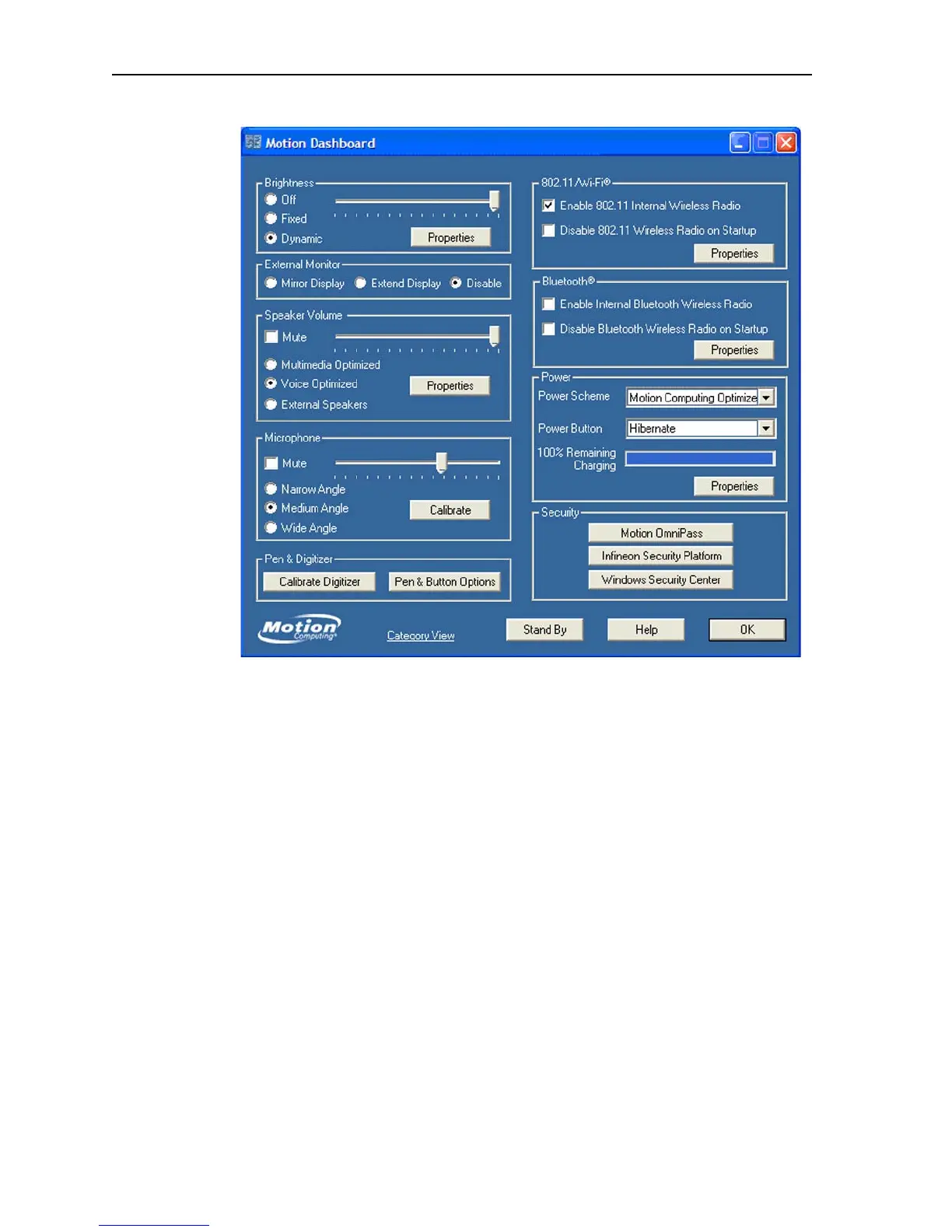
NOTE: The Motion Dashboard does not include an “Apply” button. When
you change a setting, the change occurs immediately. Tapping “OK” on the
Motion Dashboard closes the window. Also, if you disable your wireless
connection from the Motion Dashboard, it may still appear to be working
for a short time. The wireless/Bluetooth LED may continue to blink for a few
seconds. This is a timing delay; the connection ends shortly.



 To Next Page