42 Motion Computing LE1600 and LS800 Tablet PC User Guide
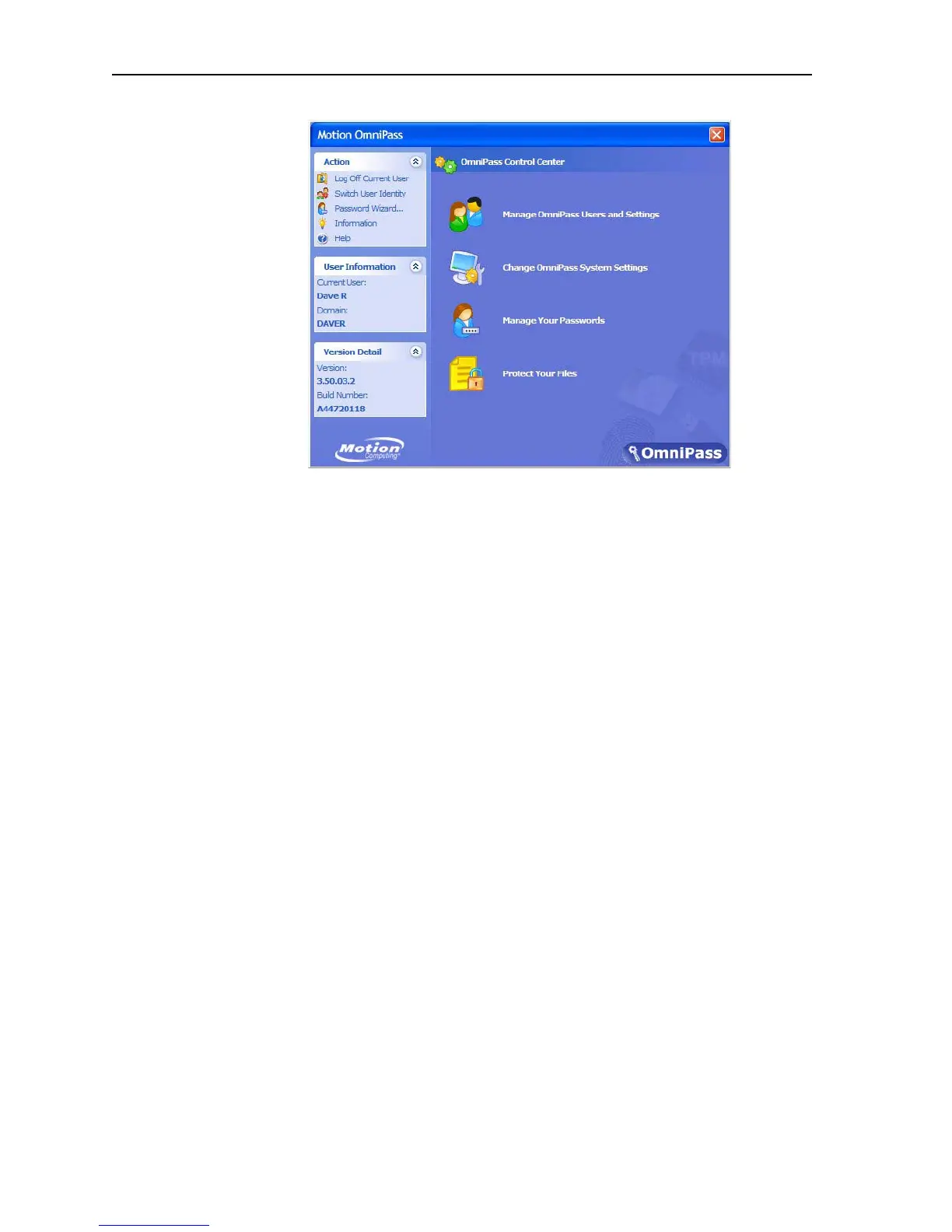
At this point you can choose from the following options:
• Manage OmniPass Users and Settings to add users
• Change OmniPass System Settings
• Manage Your Passwords
• Protect Your Files
Also, notice that there are three selection areas, an action panel and two
information panels, at the left side of the window. These areas allow actions
or show specific information.
• Action panel
• Log Off Current User
• Switch User Identity
• Password
• Information
• Help
• User Information panel
• Shows current user information
• Version Detail panel
• Shows version and build Information
Manage OmniPass Users and Settings. When you select this action you
are presented with the following options:
• Add a new user to OmniPass
• Remove a user from OmniPass
• Import a new user into OmniPass
• Export an OmniPass profile
These are advanced operations and may not be part of your typical work
flow. If you need more information about this aspect of the Motion OmniPass



 To Next Page