Motion Computing LE1600 and LS800 Tablet PC User Guide 71
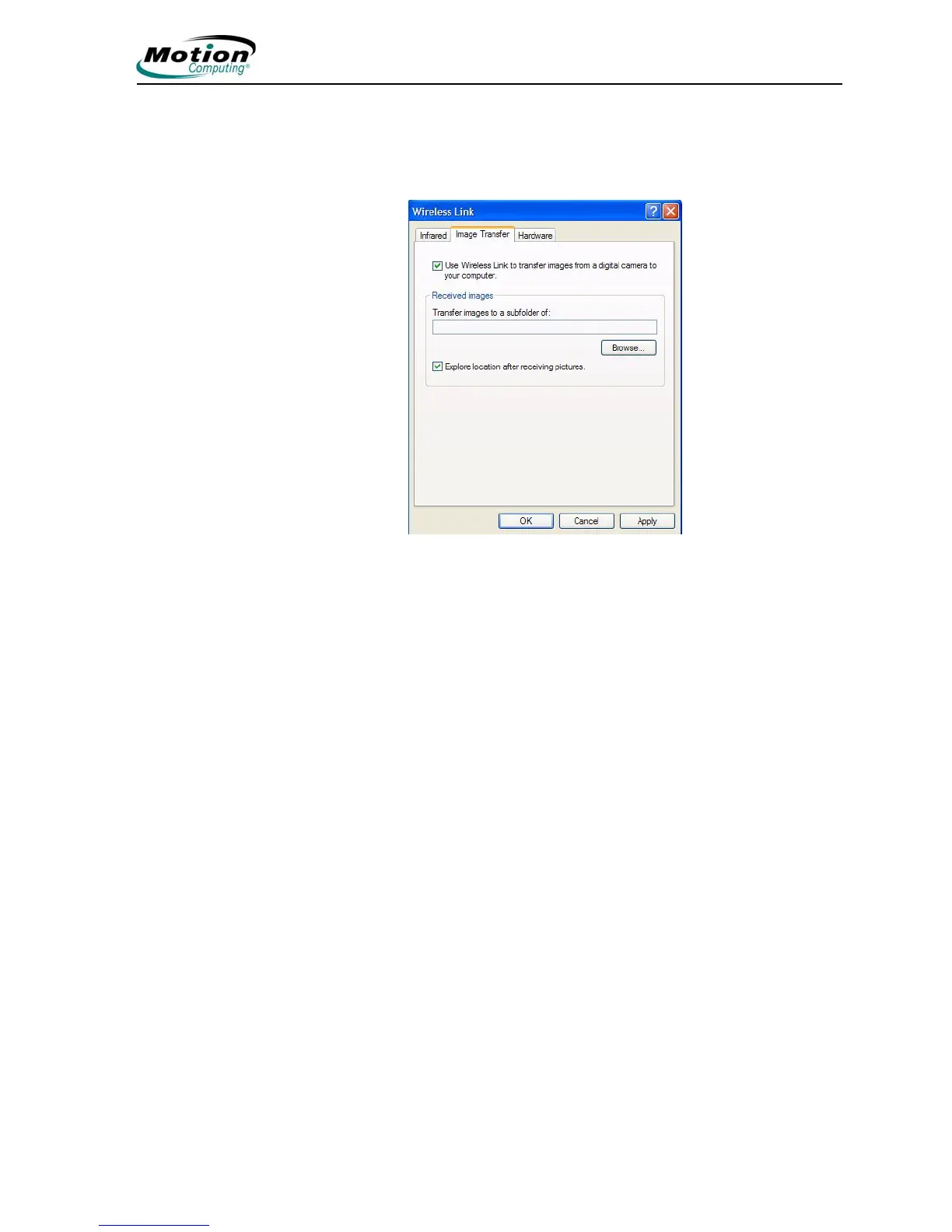
Accessing Image Transfer. To transfer an image from your camera to
your Tablet PC, tap the Image Transfer tab in the Wireless Link window.
The Image Transfer window is shown. Specify the destination of the
received image(s) and tap OK to begin.
For information about the Infrared Port, tap the Hardware tab to open that
window.



 To Next Page