Chapter
3
Motion Tablet PC Software
Motion Computing M1400 Tablet PC User Guide 24
NOTE: Adding words to the dictionary improves recognition accuracy. This is
because the Tablet PC does not actually learn to recognize your handwriting but
instead learns your vocabulary.
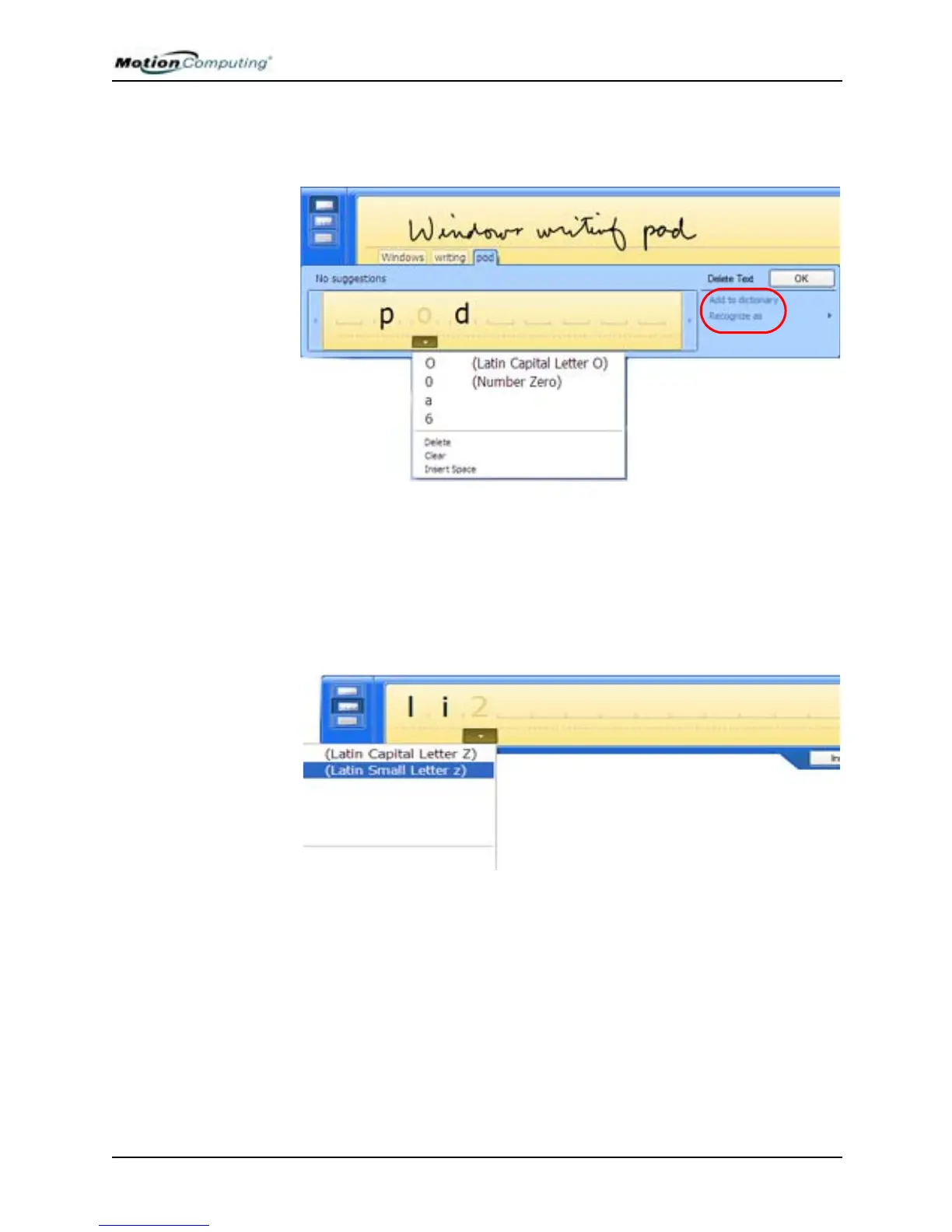
• Character Writing Pad — Let you handwrite letters, numbers or sym-
bols that the writing pad might otherwise misinterpret, such as, acro-
nyms, serial numbers, web addresses, or characters such as
~<!<@<#<$<%<^ &*()_+<>{}[ ] \ /. Like the writing pad, characters
are interpreted and displayed as text below the writing line; scratch out a
letter, number, or symbol and rewrite it; select an alternate characters or
symbol from a drop-down list.



 To Next Page