Chapter 4
Using Your Motion Tablet PC
Motion Computing M1400 Tablet PC User Guide 37
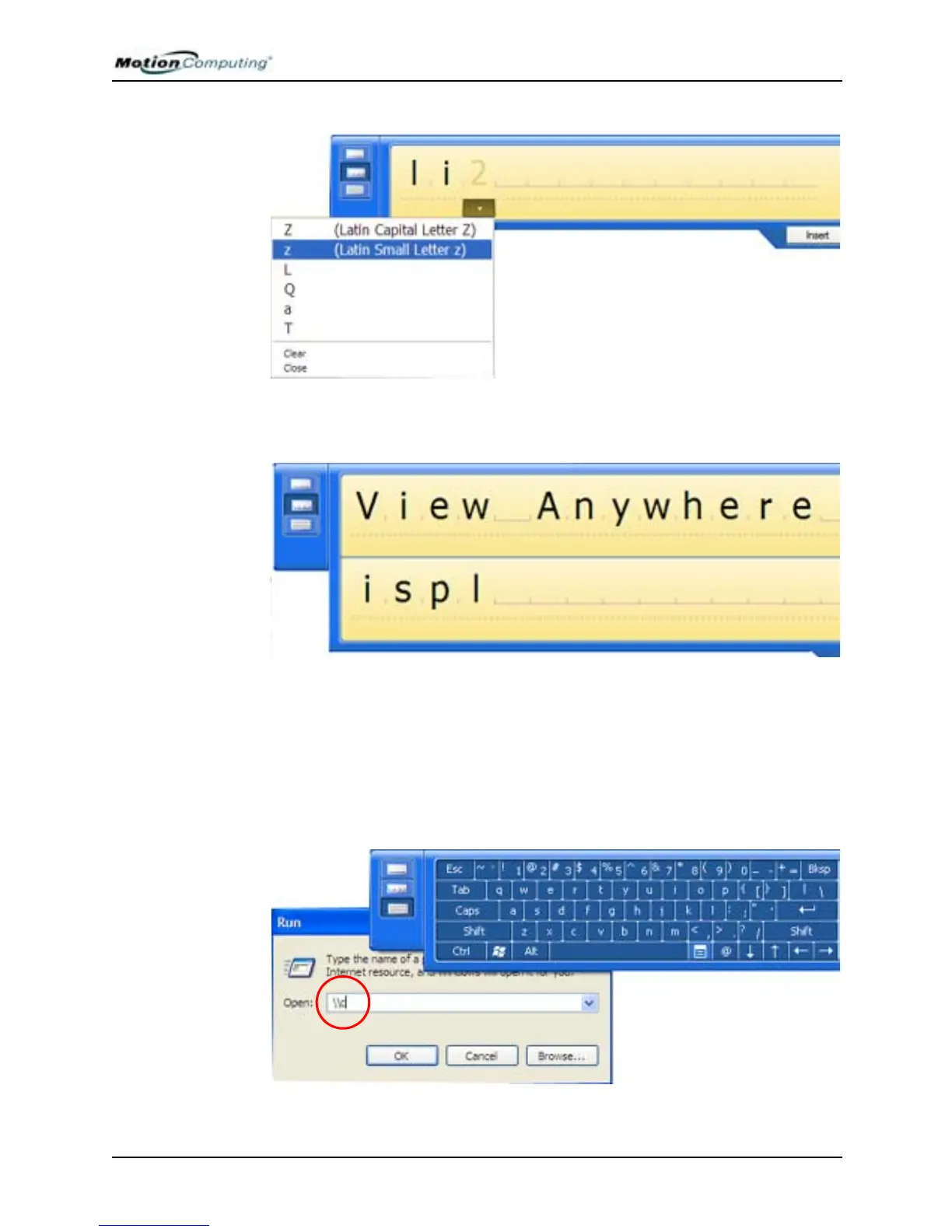
The display expands as additional space is needed.
On-Screen Keyboard
You can use the On-Screen Keyboard to type words, letters, numbers, and
characters from the on-screen keyboard with your pen. For security and
accuracy, you may want to enter passwords here.
NOTE: When using the On-Screen Keyboard, be sure to place your cursor where
you want to enter text in the text entry box.



 To Next Page