Chapter 4
Using Your Motion Tablet PC
Motion Computing M1400 Tablet PC User Guide 63
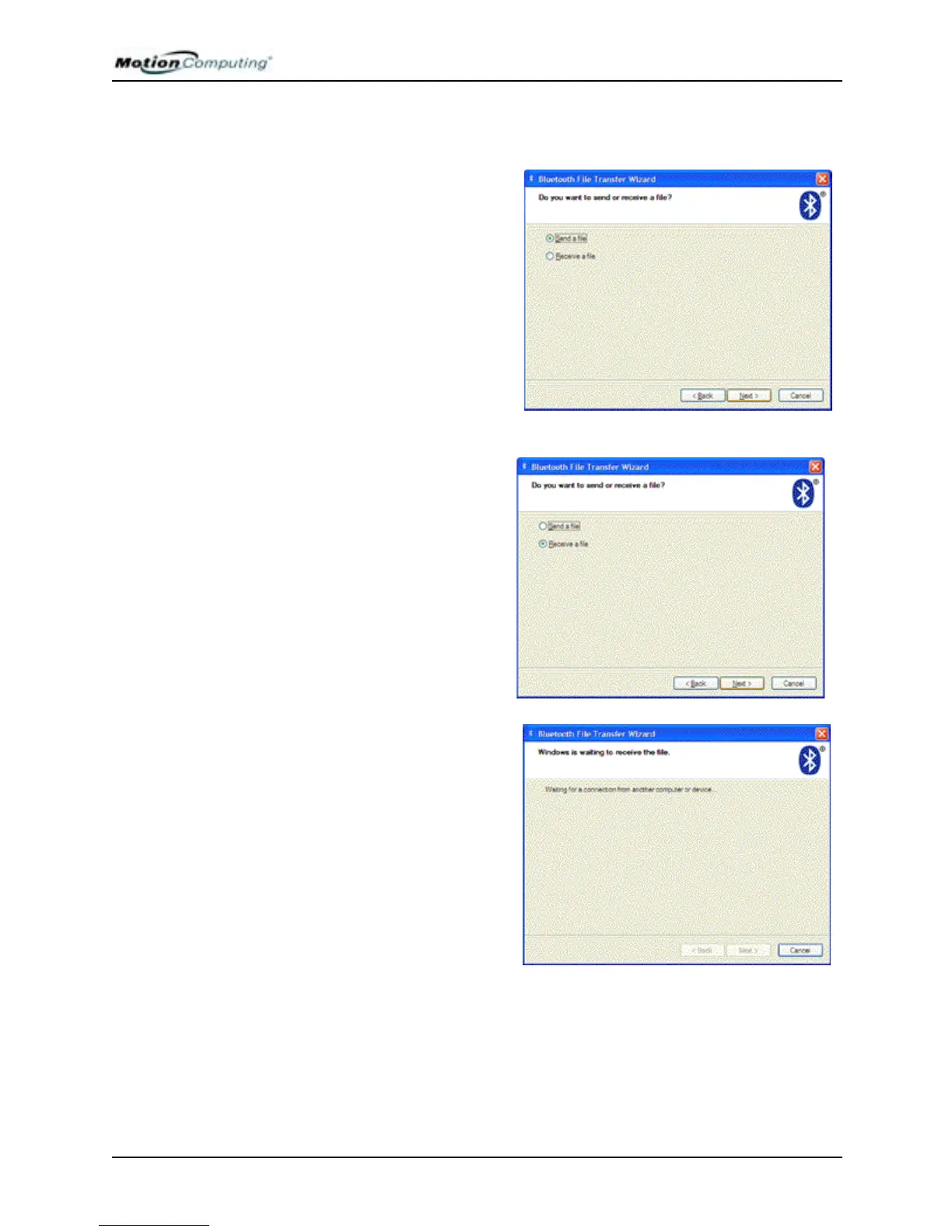
2. Select whether to send or receive a file
On the Sending Tablet PC:
a. Select Send a file.
b. Tap Next.
c. Go to Step 3.
Receiving Tablet PC:
a. Select Receive a file.
IMPORTANT: Discovery on
the receiving Tablet PC is
automatically turned on when
you tap Receive a File.
b. Tap Next. As soon as you do,
the receiving Tablet PC indi-
cates that it is waiting for a con-
nection to another Bluetooth
device.
c. Skip Steps 3 and 4 and go to
Step 5.



 To Next Page