Chapter 4
Using Your Motion Tablet PC
Motion Computing M1400 Tablet PC User Guide 66
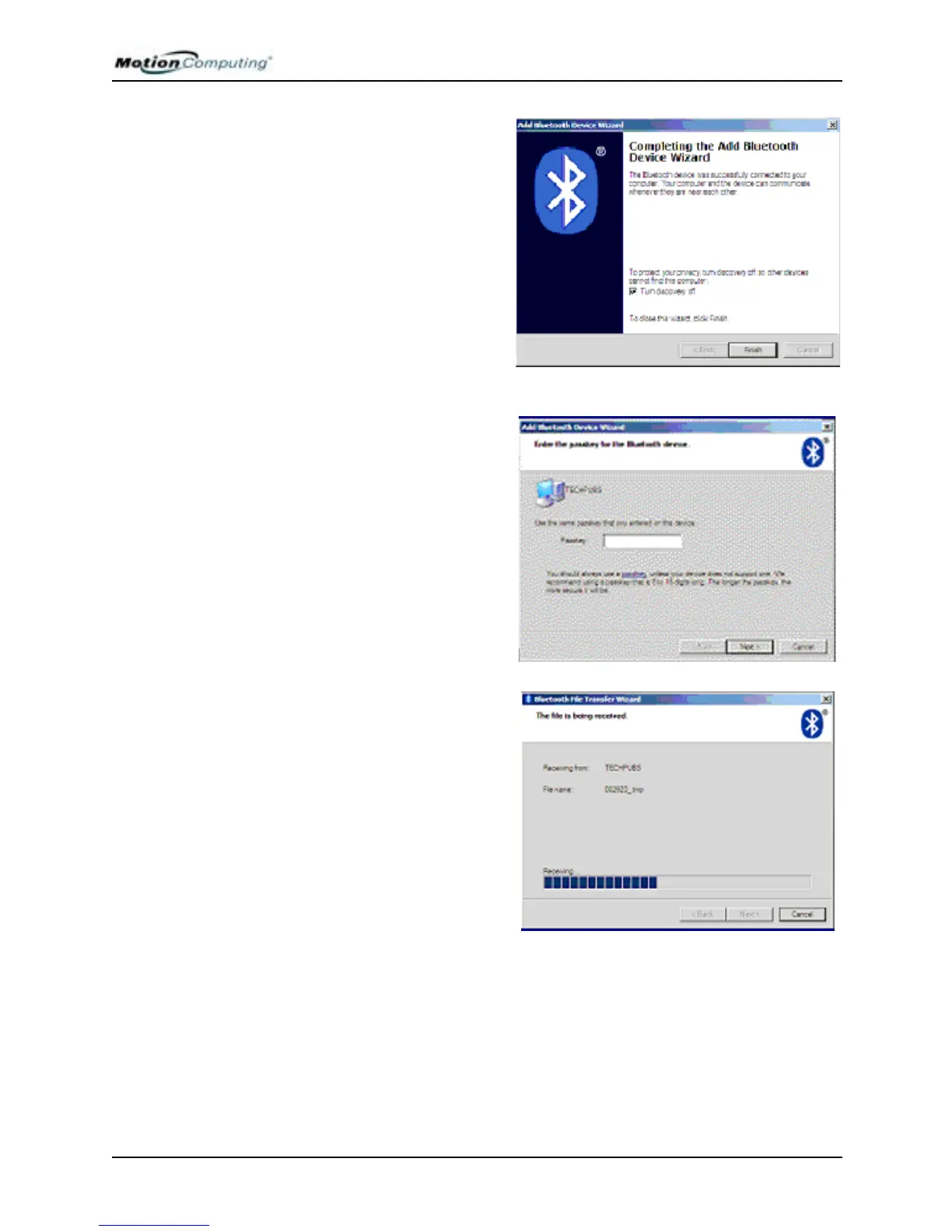
b. On this screen, leave the op-
tion “Turn discovery off”
checked (the default). This
means that your Tablet PC will
not be visible to other Bluetooth
devices when the file transfer is
complete.
IMPORTANT: Discovery was
automatically turned on when
you select Receive a File (see
Step 3 of this procedure).
c. Tap Finish.
d. Enter the passkey you have
set up with the other Tablet PC
user.
d. Tap Next.
The progress of the transfer is
displayed. Depending on the
size of the file, this may take
some time.
NOTE: The files are sent and
received at approximately the
same rate.
e. Skip Step 6 and go to Step 7.



 To Next Page