Chapter 2 Using your C5m/F5m Motion Computing applications 20
Motion Computing applications
Your C5m/F5m includes some Motion Computing applications that will help you configure
your Tablet PC to fit your needs, manage common Windows® settings, and access resources
for additional information:
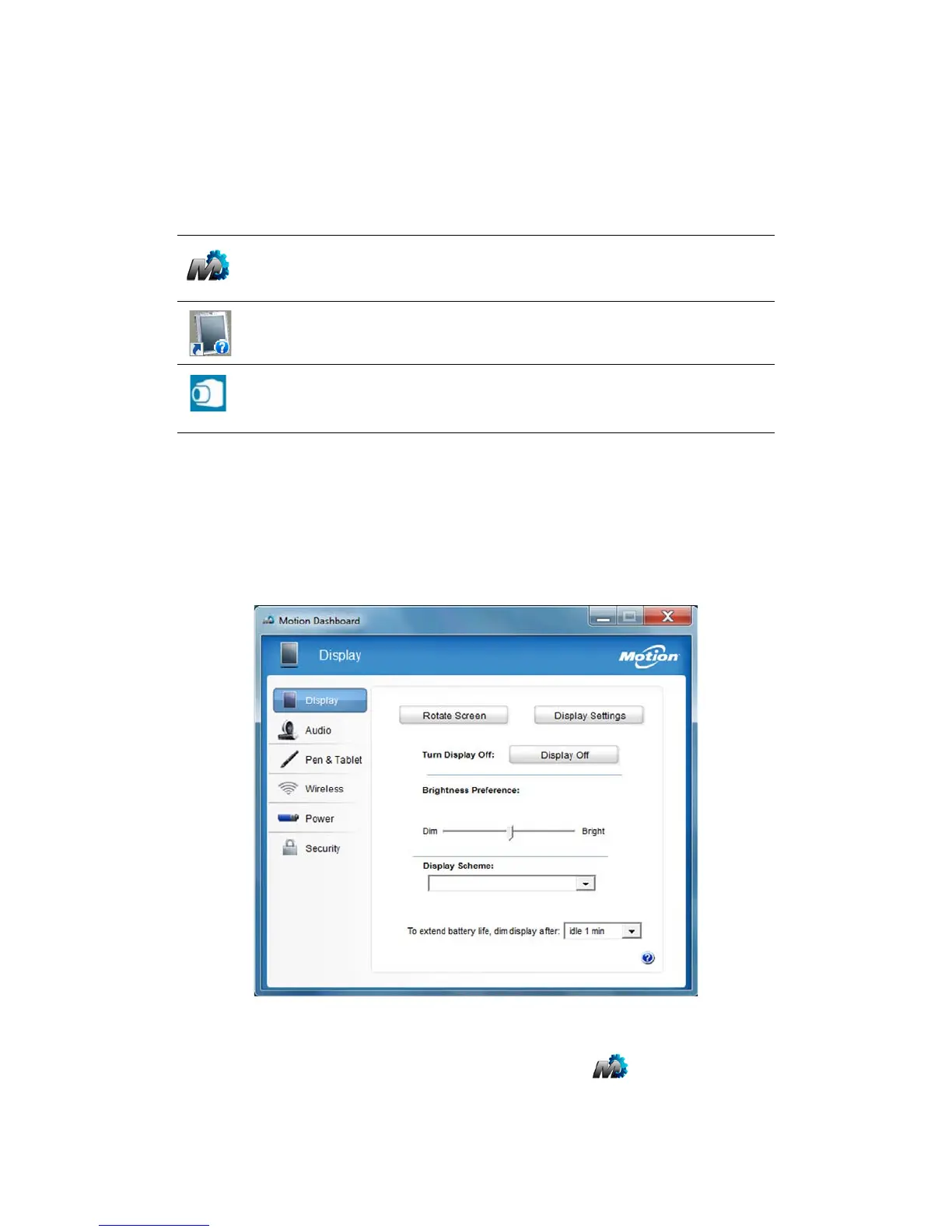
Using Motion Dashboard
Motion Dashboard provides a convenient way to change common tablet-related settings.
To open Motion Dashboard:
• From the taskbar, tap the Motion Dashboard icon .
Motion Dashboard Motion application for changing tablet settings.
Motion Getting
Started
Document that contains tips for starting out with the
C5m/F5m Tablet PC.
SnapWorks™ by
Motion®
Application that enables you to shoot, save, edit, email,
print, and copy your photos. See Using the cameras on
page 32.



 To Next Page