Chapter 2 Using your CL900 15
Using your CL900
2
This chapter provides information about performing common tablet tasks such as fine-
tuning touch and changing tablet settings.
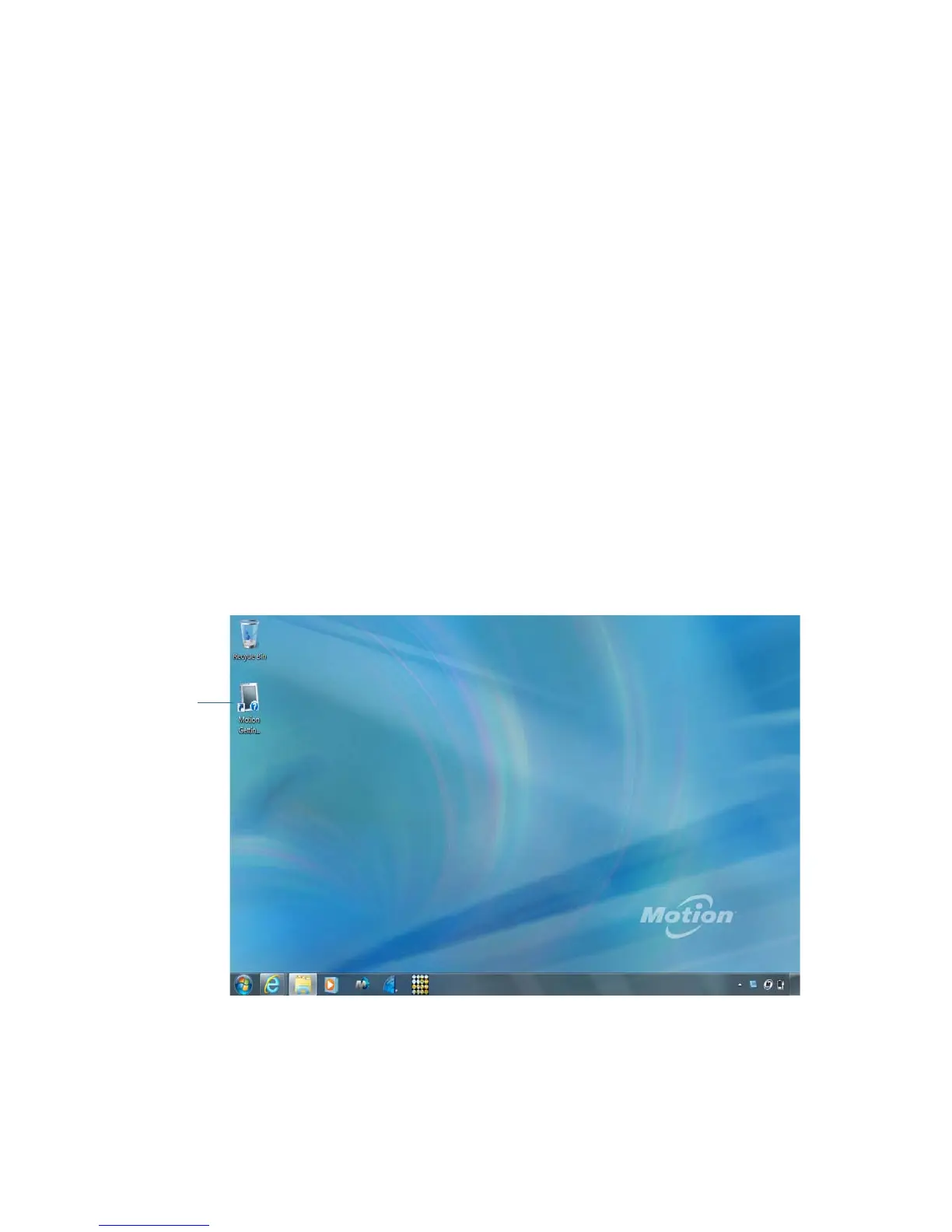
Introducing the CL900 desktop and applications
When you start up the CL900 for the first time, the desktop looks like the following picture
where Motion Computing applications appear in the taskbar and notification area.
Motion Computing desktop and applications
taskbar notification area
Getting Started
document



 To Next Page