Chapter 1 Getting Started Overview of the CL900 3
Overview of the CL900
The following illustrations show the buttons, slots and ports on the CL900 Tablet PC.
Top view
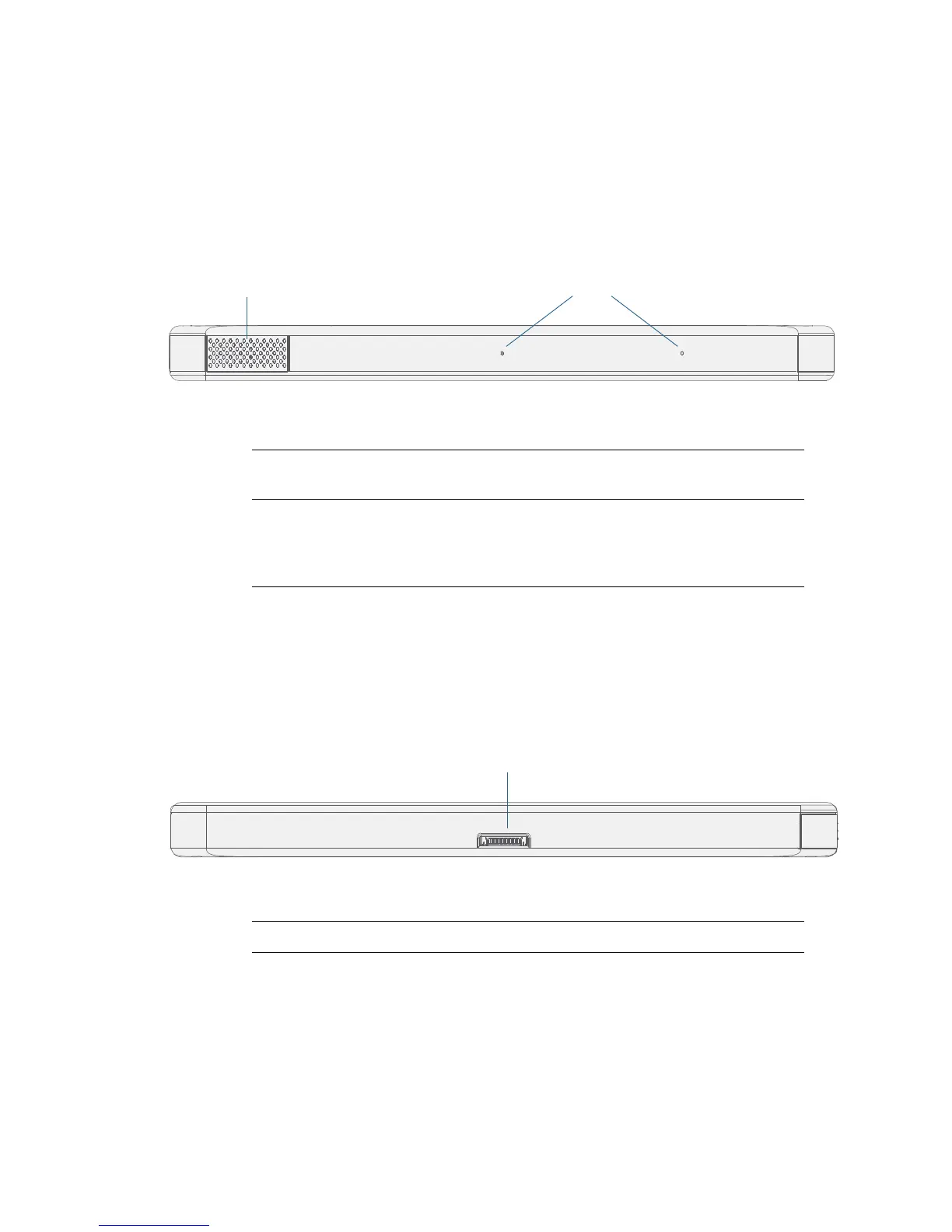
The speaker and microphones are located on the top edge of the CL900.
CL900 top view
NOTE: In addition to the built-in speaker and microphones, you can plug external headsets in the
audio in/out jack.
Bottom view
A dock connector on the bottom edge of the tablet enables you to connect with a docking
station
.
CL900 bottom view
Speaker Listen to audio warnings, videos, music and other multi-
media applications.
Microphones Use voice commands, record audio and dictate notes with
the two liquid-resistant array microphones without the
need for an external microphone. For more information,
see
“Using speech recognition” on page 43.
Dock connector Connect CL900 to a CL-Series docking station.



 To Next Page