Chapter 2 Using your CL900 Using the magnetic stripe reader (optional) 45
Using the magnetic stripe reader (optional)
If you have a CL900 with MSR and BCS, it comes with a magnetic stripe reader that you can
use to read any card that has a magnetic stripe on the back, such as a credit or debit card.
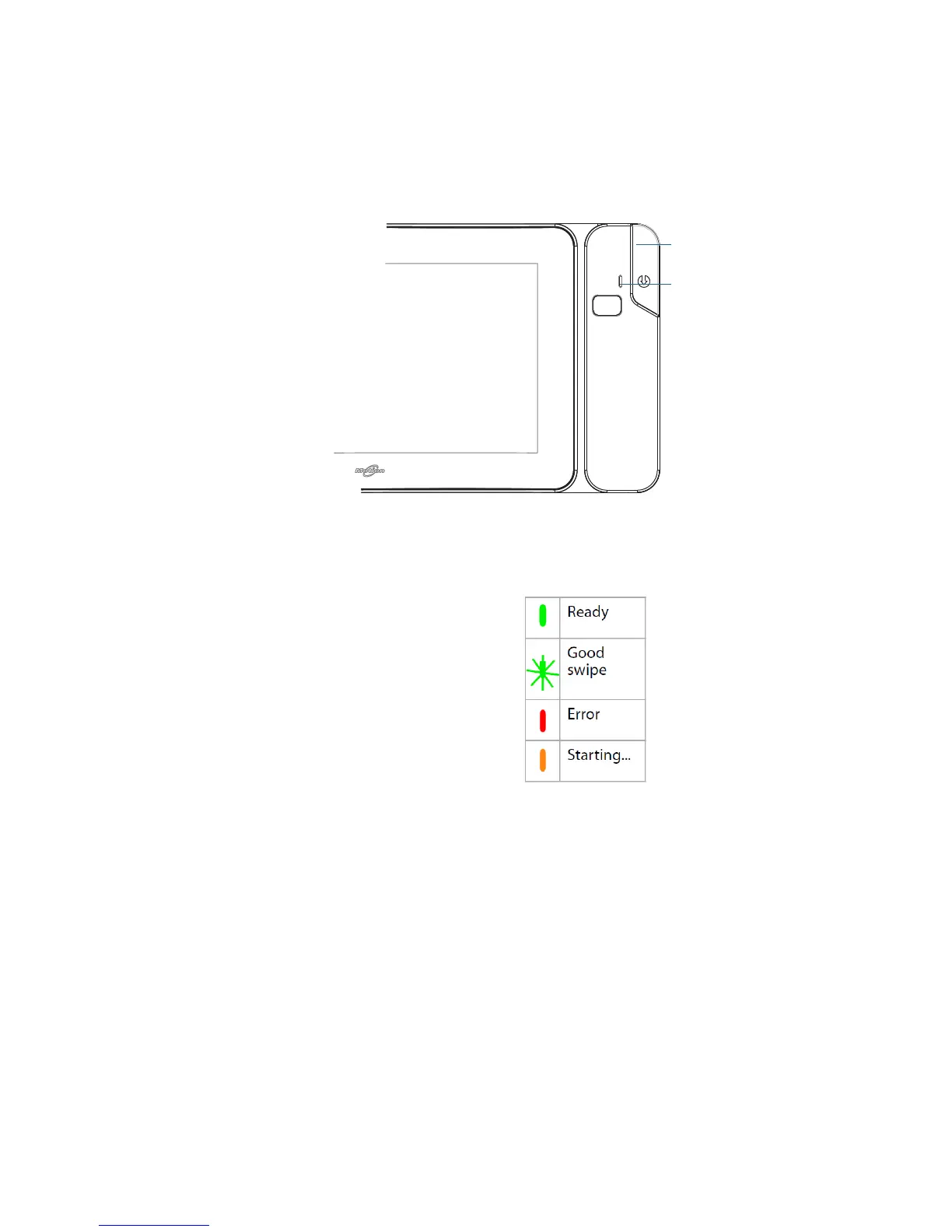
magnetic stripe reader
The magnetic stripe reader is on the right side of the CL900 SlateMate and a status light
appears at the top. The status lights indicate:
Status indicators for magnetic stripe reader
To use the magnetic stripe reader
1. Hold the CL900 steady with the top directed away from you.
2. With the magnetic stripe facing downwards, swipe the card from top to bottom. The
green light flashes when the swipe is successful.
magnetic stripe reader
status light



 To Next Page