Chapter 2 Using your CL900 Using the Motion Dashboard 17
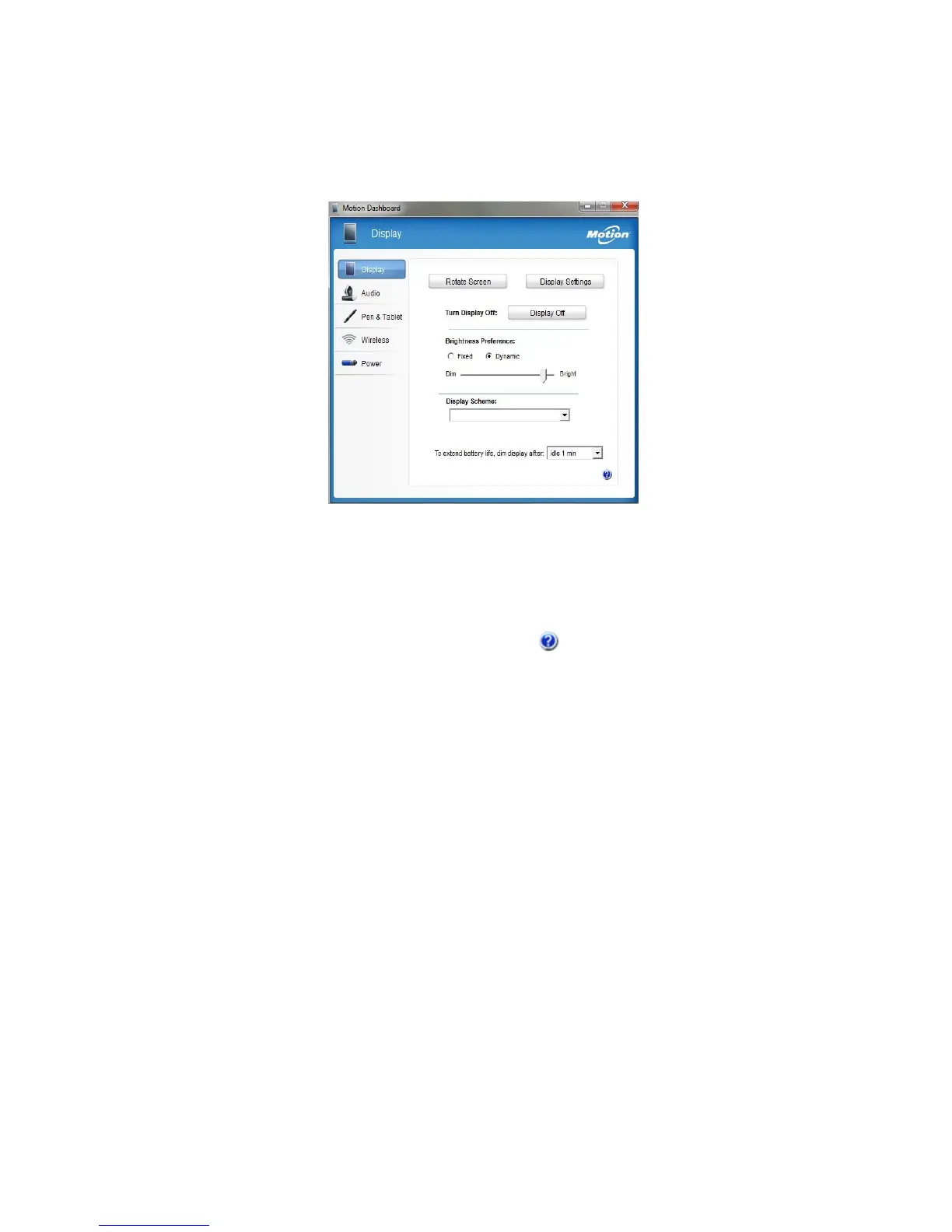
Motion Dashboard is organized into categories, which are listed on the left of the
Dashboard. Tap a category to display its settings. In this illustration, Motion Dashboard is
open to Display settings.
Motion Dashboard
The following table lists some of the tasks you can perform using the Motion Dashboard.
NOTE: This is a partial list of tasks that you can perform with Motion Dashboard.
Some of these tasks are described in this chapter; all tasks are described in
Motion Dashboard by tapping the help icon .



 To Next Page