38 Chapter 2 Using your CL900 Using the cameras with Motion QuickNav
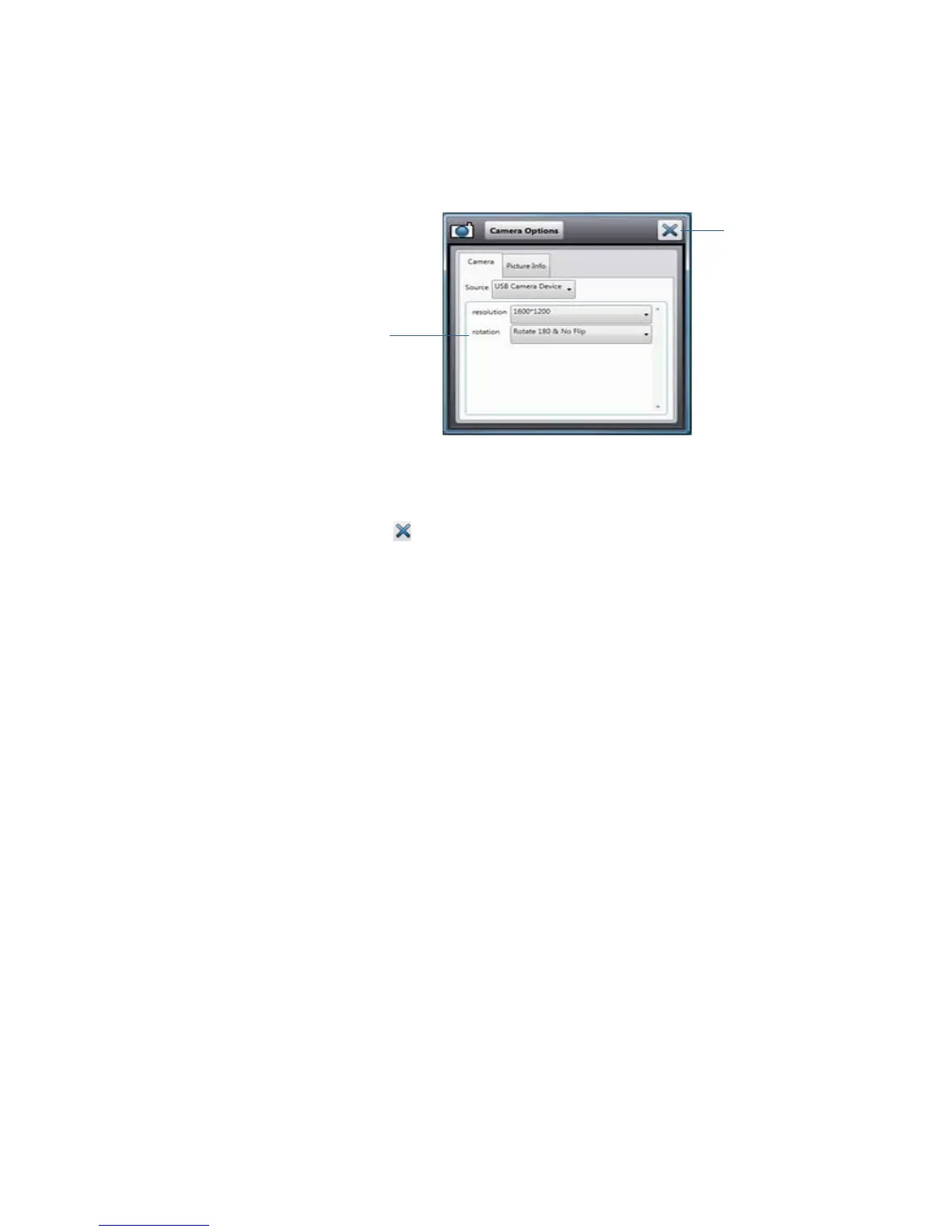
3. From the Camera Options menu, tap Camera tab, then under Source, select the desired
camera:
• USB 1.3M WebCam for the web camera
• USB 3.M DocCam for the rear documentation camera
Note: You can change the photo resolution to either improve the picture quality (by
choosing a higher resolution, such as 1600x1200) or to reduce the file size (by choosing a
lower resolution such as 160x120). You can also rotate the camera from this menu.
4. Tap the close icon to close the Options menu.
drop-down menu to
switch cameras
close



 To Next Page