8
7
7
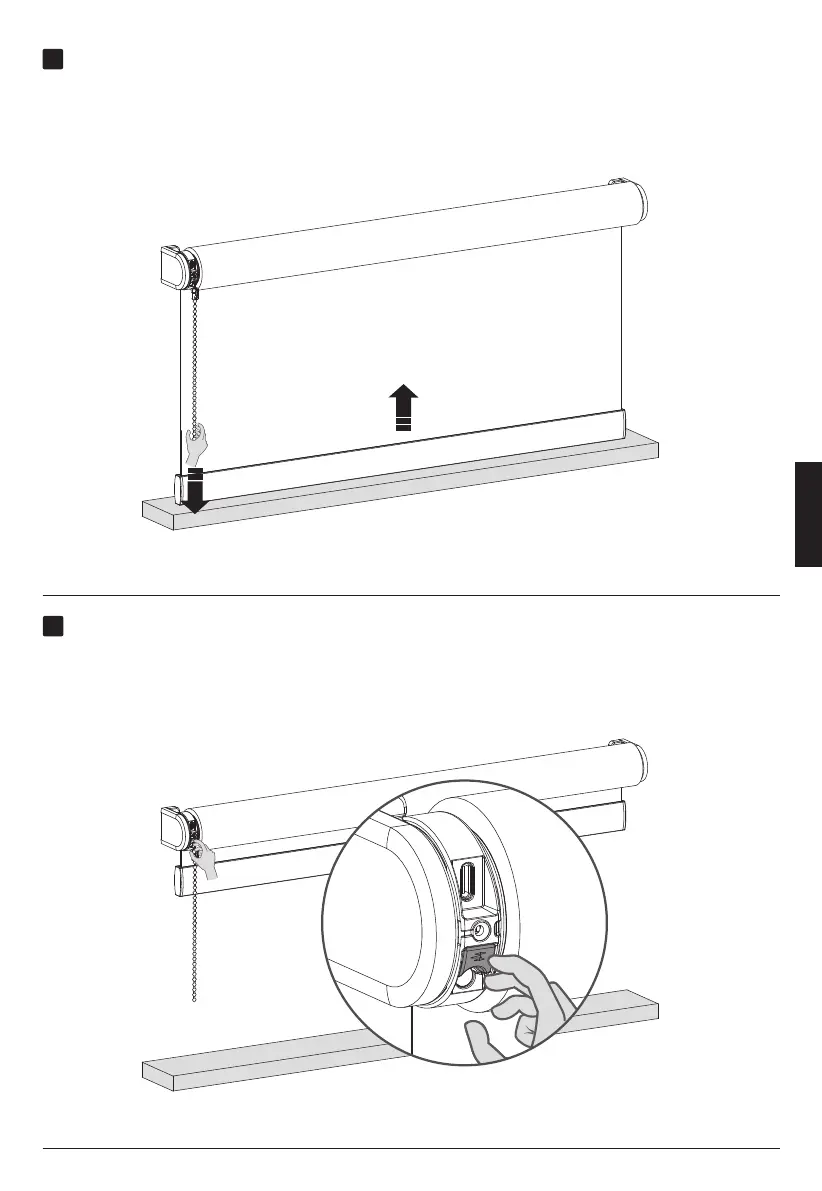
Move your blind to the top position
Save your top position
Pull and hold the chain until the blind has reached the top position.If the blind
moves in the opposite direction, release the chain and pull and hold again.
Adjust until the desired top position has been reached.
When your blind is positioned at your top position hold the button until the blind moves up
and down to save your top position.
ENGLISH



 To Next Page