3 s
10
9
8
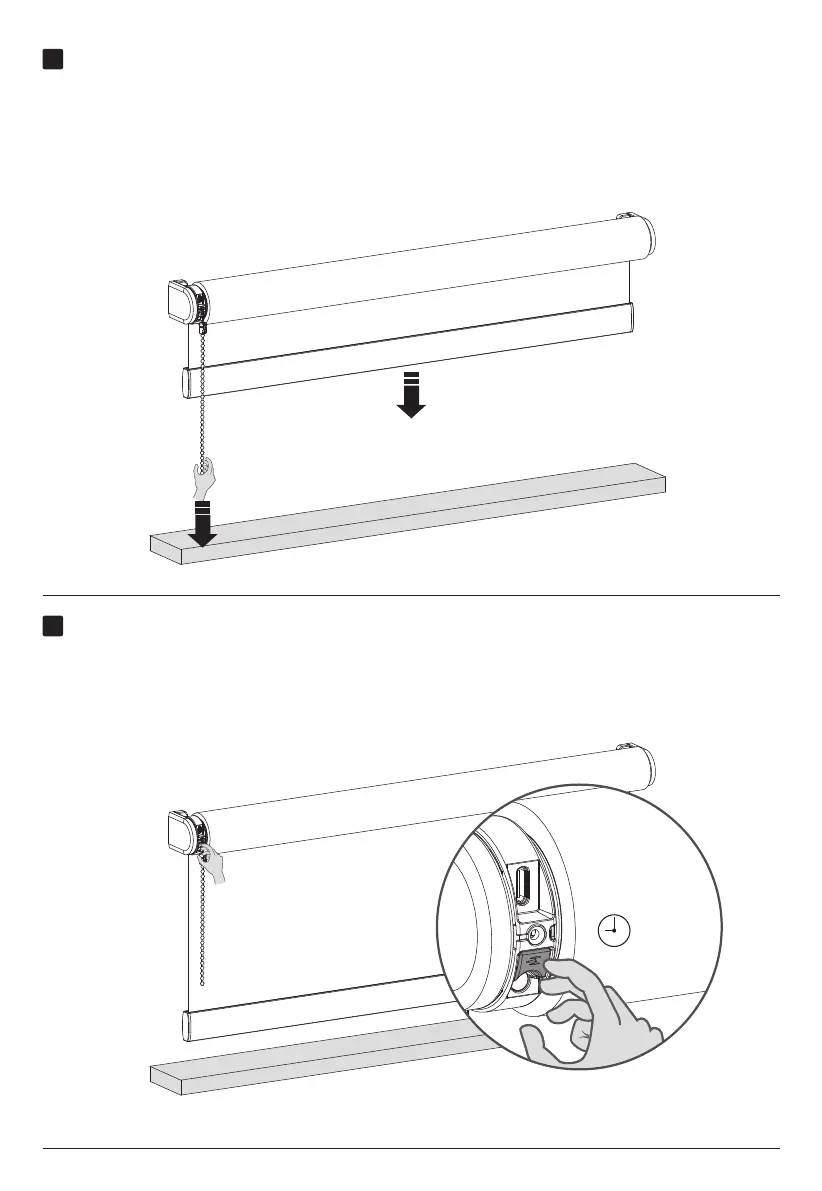
Remove your (bottom/top) position
Hold the end position program button for 3 seconds to remove your (bottom/top) position. The
blind will step up and down once to confirm that your end position has been removed. You are
now able to set a new (bottom/top) position.
Adjust your end positions
To adjust one of your end positions you need to place your blind at the end position
you want to adjust. Pull and wait until the blind has reached the end position you want
to adjust.



 To Next Page