Page 2
Welcome/Table of Contents
Table of Contents
Install Motocaddy Smartphone App.............................3
App Registration............................................................4
Pairing Your S5 Connect & Smartphone.................5 – 6
Golf Mode Overview............................................7 – 14
Activate Golf Mode.....................................................7
Select Course...............................................................8
Device & App Basic Features.......................................9
Device Functionality...................................................10
App Functionality.......................................................11
Measuring Shot Distance...........................................12
Clock and Round Time...............................................13
Power Save Mode......................................................14
Notifications..................................................................15
Motocaddy App Overview...................................16 – 26
Home Page.................................................................16
Account Page.............................................................17
Settings Page..............................................................18
Support Page..............................................................19
Motocaddy Store........................................................20
Troubleshooting & Support.................................21 – 24
Welcome
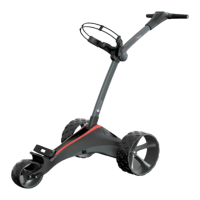
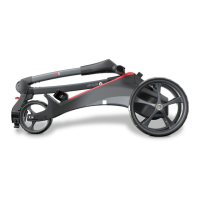
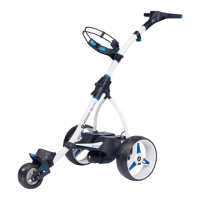
The S5 Connect Electric Trolley has been engineered to include rangender capability. Powered by iGolf, the world’s #1
GPS enabled golf course database, the S5 Connect provides access to over 36,000 golf courses worldwide.
This user manual was compiled to guide you through the features and functionality of the S5 Connect Electric Trolley and
Motocaddy smartphone app. Please note that the Motocaddy app must be installed on your smartphone, paired with the
S5 Connect device, and open/active in order for the S5 Connect to provide distances & smartphone notications on the
golf course. Please see page 3 for details in regards to installing the app.







 To Next Page