105
Office Applications
Calculator
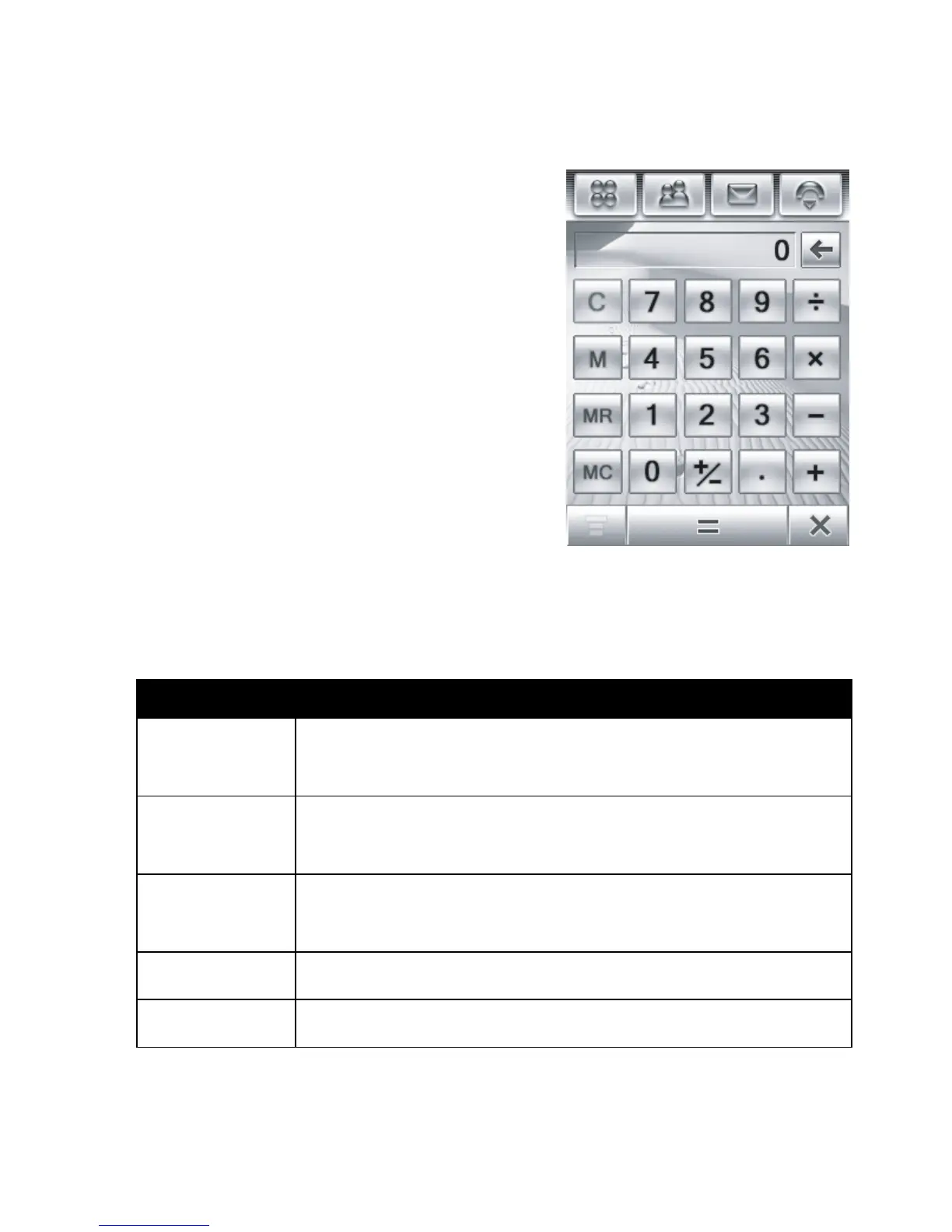
You can use your phone as a calculator.
Ta p
Q Calculate
in the application
launcher screen to display the
calculator (shown at right).
Tap the numeric and calculation
keys to perform a calculation.
Ta p
=
to calculate the result.
Ta p
C
to clear the calculation.
Ta p
ò
to clear the last entry, one
digit at a time, when performing a
calculation.
Ta p
â
to return to the application launcher screen.
Tap the following keys to perform the described functions:
Function Description
+/-
Change the entry’s sign
(positive/negative)
.
M+
Store the sum of the current calculation
result, and the stored number
.
MS
Clear the stored number, and store the
current calculation result
.
MR
Display the stored number
.
MC
Clear the stored number
.



 To Next Page
 Loading...








