2
Check It Out!
Feature Description
Take Photo
Open the flip to view the touchscreen
display. Press the camera key to activate
the camera, point lens at subject, then
press the camera key to take a photo.
Record Video
Open the flip to view the touchscreen
display. Press the camera key, then
tap
ã
to put the camera in video mode.
Tap
Record
to start video recording.
Tap
Done
to stop video recording.
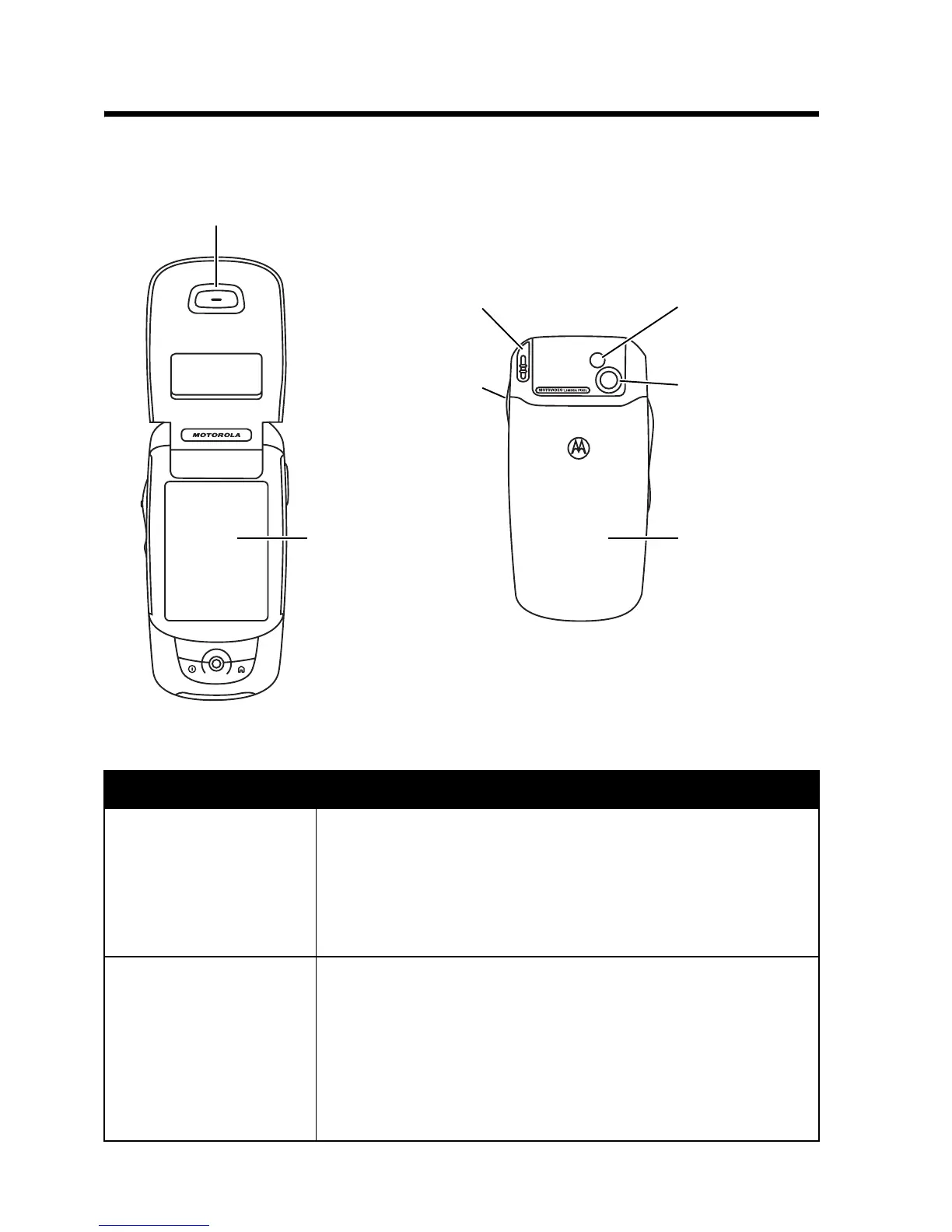
Earpiece
Touchscreen
Display
Stylus
Battery
Door
Mirror
Camera
Lens
Camera
Key



 To Next Page
 Loading...








