
 Need help?
Do you have a question about the Motorola Advisor TPG2200 and is the answer not in the manual?
Explains LED meanings, status lights, and battery charge levels.
Instructions for battery cover removal, installation, and attachment.
Guidelines for pager maintenance and environmental care.
Details icons for service status, signal strength, and RF power.
Explains icons related to operating modes and battery status.
Describes icons for alerts, ring modes, and new messages.
Instructions for turning the pager on/off and switching between sleep/wake modes.
Guide to accessing and navigating the pager's menu system.
How to adjust volume and select operating modes (Trunked/Direct).
Steps for accepting, rejecting, or muting incoming call out alerts.
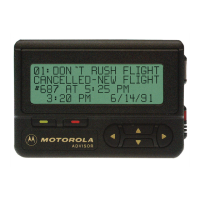
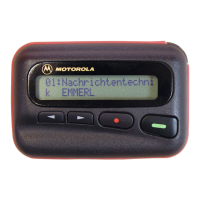
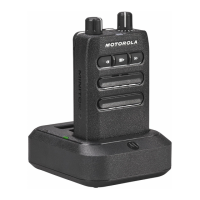
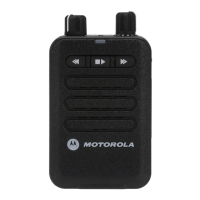
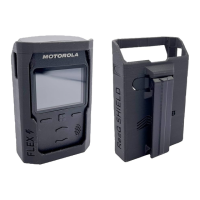
The Motorola Solutions Advisor TPG2200 is a compact and robust pager designed for critical communication, offering a range of features for efficient message delivery and user interaction.
The TPG2200 serves as a communication device primarily for receiving and managing messages, particularly in scenarios requiring rapid and reliable alerts, such as fire alerts or other critical notifications. It supports both Trunked Mode Operation (TMO) and Direct Mode Operation (DMO), allowing flexibility in network connectivity. The device is equipped with an LED message indicator and a display to show incoming messages, status updates, and menu options. Soft keys and navigation keys facilitate user interaction, enabling acceptance or rejection of messages, menu navigation, and volume adjustments. Programmable buttons further enhance its usability by allowing users to quickly access configured functions.





 To Next Page

 General