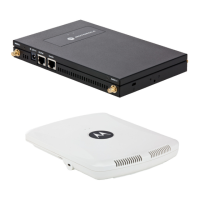
10 AP650 Access Point
2.4.2 Wall Mount Procedure
1. Orient the case on the wall by its width or length.
2. Using the arrows on one edge of the case as guides, move the edge to the midline of the mounting area
and mark points on the midline for the screws
CAUTION To ensure proper operation of the AP650 Access Point ensure that the
thin Access Point is mounted in the correct orientation as shown
above.
Integrated Antenna Wall Mount
Correct Orientation
Incorrect Orientation



 To Next Page
 Loading...