Installation Guide 7
1.5 Features
• One RJ-45 connector
• LED indicators
• Safety wire tie point
• Slots for wall mounting
• Clips for mounting on a suspended ceiling T-bar
• Lock port for Kensington® style Security Lock
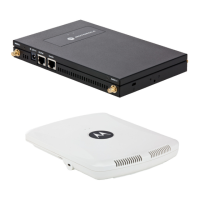
The AP650 access point has one RJ-45 connector supporting an 10/100/1000 Ethernet port and requires
802.3af-compliant power from an external source.
The AP650 Access Point comes in both single and dual radio versions both supporting 802.11a/b/g/n.
The Access Point contains runtime firmware which enables the unit to boot after either a power up or a watchdog
reset. The runtime firmware on the Access Point and the firmware downloaded from the controller can be updated
via the Ethernet interface from the controller.
NOTE When operating in a Gigabit Ethernet environment CAT-5e or CAT-6 cable
is required for Gigabit operation.



 To Next Page
 Loading...