32 Camera
4. Camera
4.1 Connecting the Camera to Power
• Insert the small end of the Power Adapter into the Power Adapter Connector
and plug the Power Adapter into a electrical outlet.
• Slide the ON/OFF switch to ON, the green Power LED will light up. (Note: To
switch the device off, slide the ON/OFF switch to OFF.)
4.2 Camera Functions:
Working with PC/Notebook
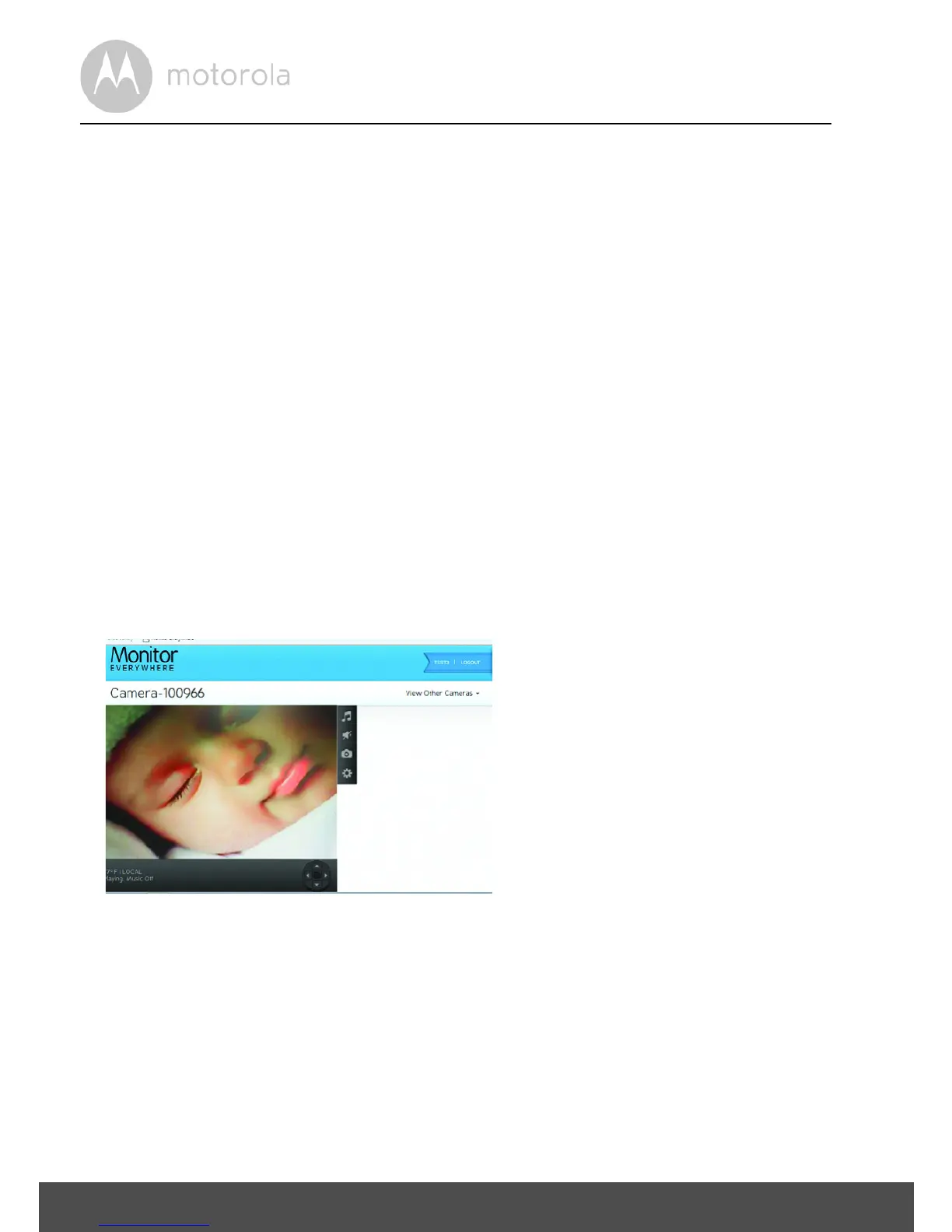
• Go to URL: https://www.monitoreverywhere.com
• Enter the User Name and Password and then tap LOGIN, if you have already
created an account.
• Select the Camera and tap VIEW to see the Camera view and control buttons.
• Tap the icons for different functions:


 To Next Page
 Loading...