18 Getting started - Connecting Devices
3.3 User Account and Camera Setup:
Working with iPhone
®
/iPad
®
•
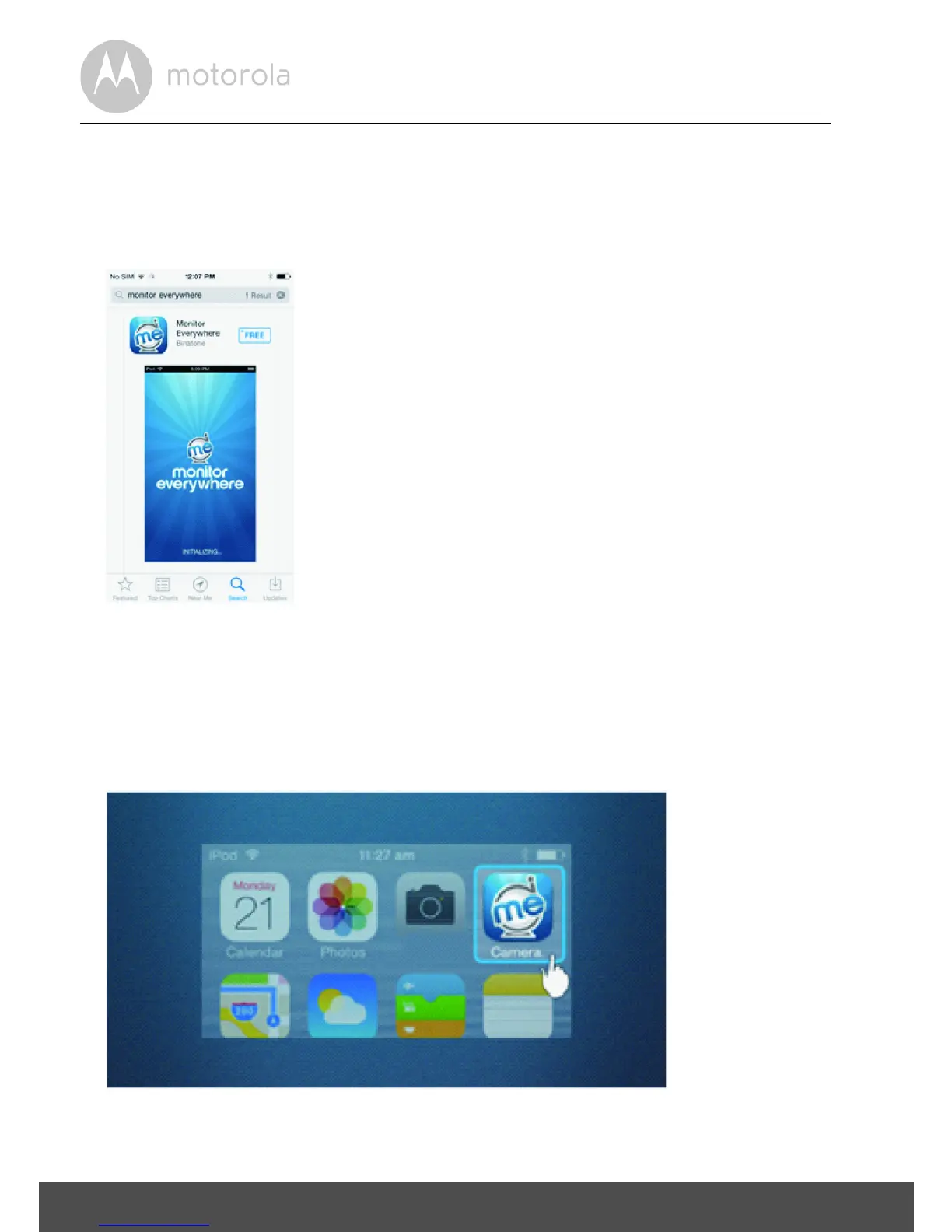
Install the application "Monitor Everywhere" from the App Store
SM
. (picture S1)
Note: If you can't find the application, then use your device browser to go to
www.monitoreverywhere.com for instructions on how to install.
• Run the "Monitor Everywhere" application by tapping on the icon and follow
the screen number sequence: (picture S2)

 To Next Page
 Loading...