11Getting to know your phone
2. Getting to know your phone
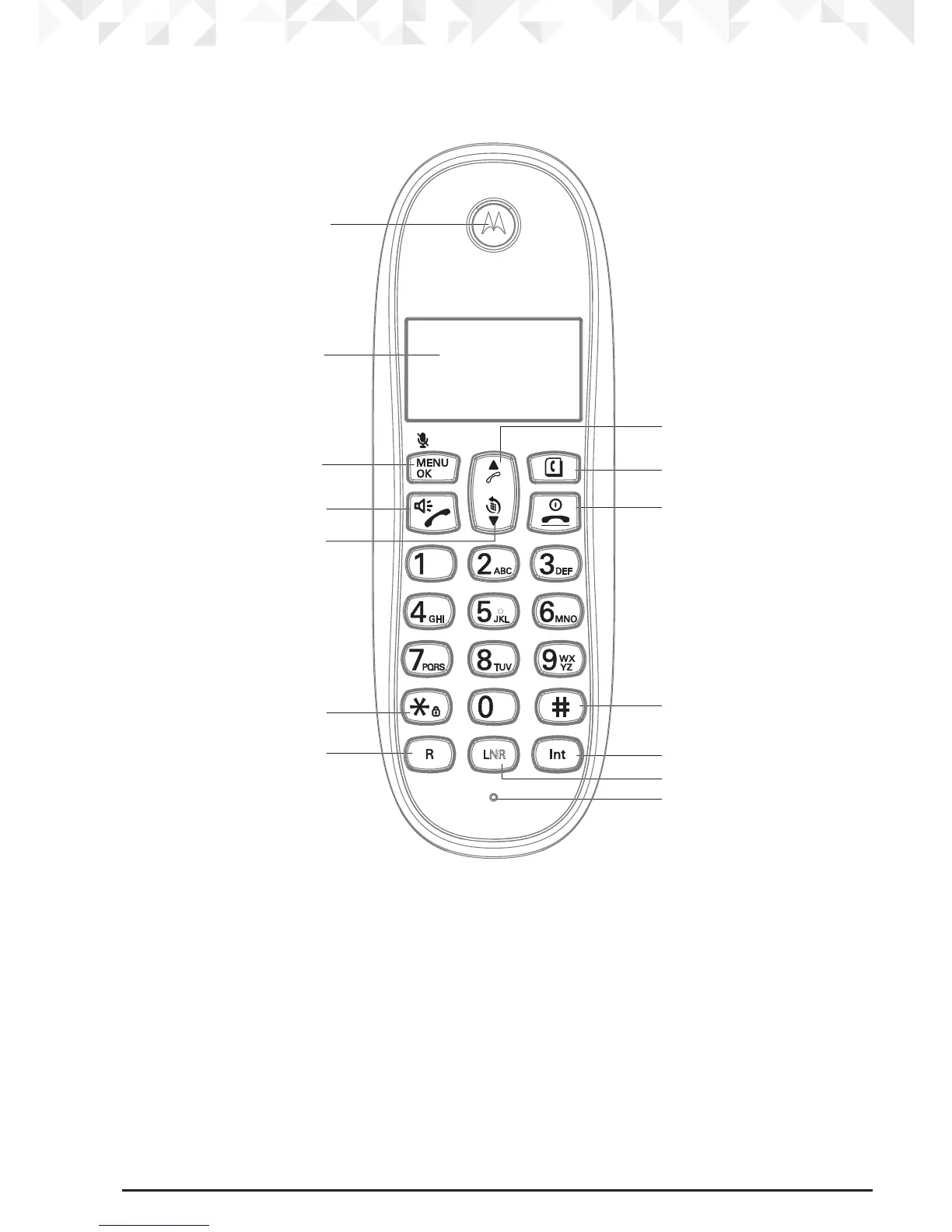
Overview of your cordless handset
A Earpiece
B
Display
See page 12 for an overview of the display icons.
C Menu / OK / Mute
Press to open the Menu.
Press to select menu options and to conrm a displayed option.
Press to switch mute on / o during a call.
D Talk / Hands-free
Press to make a call.
Press to switch hands-free on or o during a call.
A
B
G
F
E
D
C
I
H
M
J
N
L
K
LNR



 To Next Page
 Loading...










