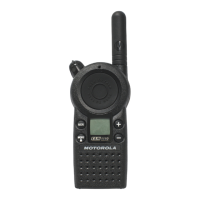
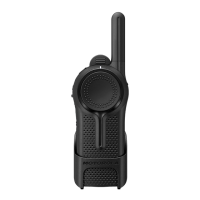
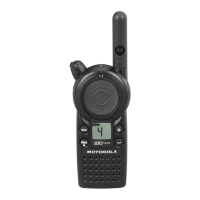
RADIO CLONING
24
English
Cloning Radios using the CLP Series
Multi-Unit Charger (MUC) Kit P/N IXPN4029
(optional accessory)
1. To put the source radio into clone mode,
press and hold PTT and the “-” button while
turning the radio ON until you hear the
Cloning Tone and Double Blinking Yellow
on the Smart Status Glow.
2. Place the source radio into one of the
charging pockets that has the “CLONE”
label.
3. Turn the target radio ON and place it in
the pairing charging pocket that has the
“CLONE” label and start the cloning process.
4. Press the “Menu” button on the source radio
to start the cloning process. The source radio
generates the start clone tone.
5. Once the cloning is completed, turn the
target radio OFF and back ON again in
order to activate the radio.
6. To clone another radio, repeat steps 3,
4and5.
7. To exit clone mode on the source radio,
turn the radio OFF.
Cloning the Radio through a Multi-Unit
Charger


 To Next Page
 Loading...