tips & tricks
20
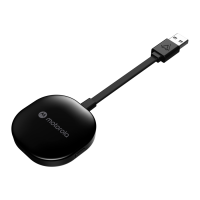
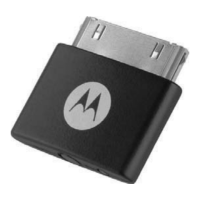
use with motorola D670 adapter
Listen to your music wirelessly from your iPod or iPhone
with the Motorola D670 Bluetooth Adapter:
1
Turn off any Bluetooth devices previously paired with
your headphones, then turn headphones off and on
to place in pairing mode (indicator light is steady
blue).
2
Turn on iPod or iPhone.
3
Connect your adapter to your iPod or iPhone.
The adapter indicator light flashes rapidly in blue for
a few moments, then begins to flash rapidly in red
and blue to indicate adapter is in pairing mode.
When your adapter and headphones are connected
and ready for use, the adapter indicator light

 Need help?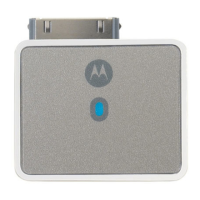

 To Next Page
 General