
 Need help?
Do you have a question about the Motorola MM1000 and is the answer not in the manual?
Explains compatibility with various internet services like cable TV, cable internet, and FiOS, and incompatibilities.
Guides users on how to determine if their router already has MoCA capabilities built-in.
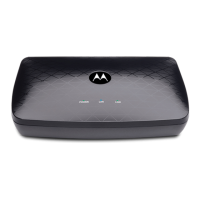
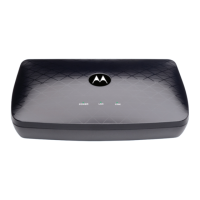
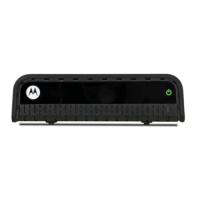
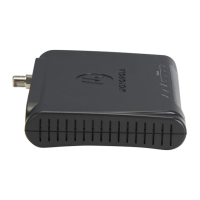
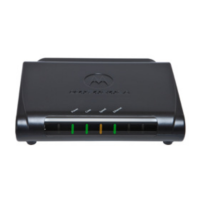
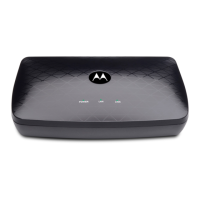
Describes the status lights (POWER, LAN, LINK) on the top panel of the MoCA Adapter.
Details the ports and buttons on the back panel: DEVICE, NETWORK, LAN, RESET, POWER ON/OFF.
 General
| Model | MM1000 |
|---|---|
| Category | Adapter |
| Input Voltage | 100-240V AC |
| Output Voltage | 12V DC |
| Output Current | 1A |
| Power Rating | 12W |
| Connector Type | Barrel connector |
| Type | MoCA Adapter |

 To Next Page