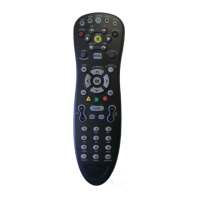
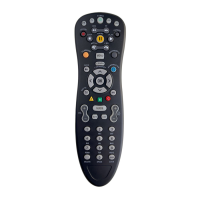
Instructions for Programming Motorola DTA Remote
Point and Press® (Auto) Programming
1. Turn on the TV by pressing the
POWER button on your television.
2. On your remote, press OK and then
MUTE button together until the LED
illuminates.
3. Press and hold the CH UP button until one
device turns off. While you are pressing
the CH UP button, the LED will blink. As
soon as one device turns off, release
the CH UP button.
4. Press MUTE on your remote control:
a. If the TV turns back on, press OK on the
remote to lock in this code. The LED will blink
and go out.
b. If the TV does not turn back on, press CH
DOWN one step at a time until that device turns
back on. Each time you press CH DOWN, the
LED will blink. Once you have found a code
that turns the device on/off, press OK to lock in
this code. The LED will blink and go out.
Code-Entry (Manual) Programming
1. Turn on the TV by pressing the POWER button on your television set.
2. On your remote, press OK and then MUTE button together until the LED illuminates.
3. Locate the 3-digit code for your brand in the TV Setup Code list and enter it on the keypad of the remote control.
Entry of the correct code will cause your TV to turn off. (If multiple codes are listed for your brand, you may have
to enter several different codes until your TV turns off.)
4. As soon as you have entered a 3-digit code that turns your TV off, press MUTE
a. If the TV turns back on, press OK to lock in the code. The LED will blink and go out.
OR
b. If the TV does not turn back on, enter a different 3-digit set up code until your TV turns back on. Then press OK to
lock in the code. The LED will blink and go out.

 Need help?
 General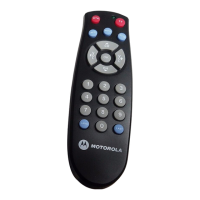

 To Next Page