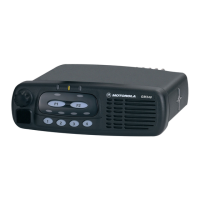
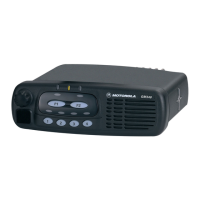
9
English
GETTING STARTED
GETTING STARTED
TURNING THE RADIO ON OR OFF
ADJUSTING THE VOLUME
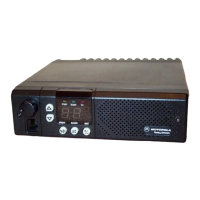
Tur n the On/Off/Volume Control knob
clockwise to increase the volume, or
counterclockwise to decrease the volume.
RADIO ON INDICATION
At power up the radio performs a self test
routine. On completion of a successful self test
the radio will emit a high pitched tone (Radio
self test ok) and the green led will light. If the
radio fails the self test, an alternating high/low
pitched tone (Radio self test fail) will sound and
the red LED will flash until the radio is turned
off.
Note: If your radio fails the self test routine consult
your dealer.
Selecting a Radio Channel
Your radio offers up to 6 channels, however
some may not be programmed. Check with
your dealer for more information.
To select a channel, press the appropriate
Channel Selector button, the LED above the
button will light.
ON OFF
Push the On/Off/
Volume Control knob
until you hear a click.
Push the On/Off/
Volume Control knob
until you hear a click.

 To Next Page
 Loading...