
 Need help?
Do you have a question about the Motorola M3000 and is the answer not in the manual?
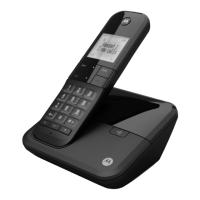
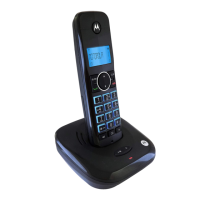
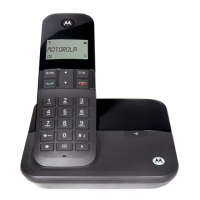
Identifies the handset and details all its buttons and their functions.
Explains the meaning of various icons shown on the telephone's LCD display.
Identifies the telephone base and its components.
Steps to connect the power supply and line cord to the base station.
Instructions for placing and charging the handset batteries.
Instructions for making calls via predialing, direct dialing, phonebook, call list, and redial list.
Procedure for answering an incoming call when the handset is not in its charging base.
Methods to hang up a call or end it by placing the handset on the base.
How to adjust earpiece and speaker volumes using the volume keys.
How to turn off the ringer and activate the keypad lock.
Instructions for redialing numbers and locating a misplaced handset.
Guide to adding, searching, editing, and deleting contacts in the phonebook.
Steps to view the call list and delete entries individually or all at once.
How to set handset language and adjust base ringer melody and volume.
 General
| Brand | Motorola |
|---|---|
| Model | M3000 |
| Category | Cordless Telephone |
| Language | English |




 To Next Page
