Using the Baby Monitor MBP30 11
ENGLISH
3. Using the Baby Monitor MBP30
3.1 Setting up
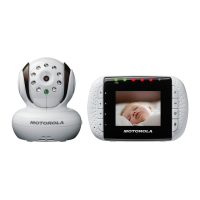
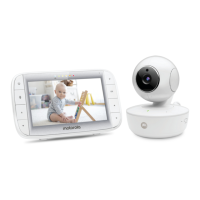
• Place the baby unit in a convenient location (e.g. on a table) and
point the camera lens towards the area you want to monitor.
• Adjust the baby unit until you are satisfied with the image in the
parent unit.
• To mount the baby unit on the wall, see section “9. Wall mounting
instructions” for more details.
NOTE
Do not place the baby unit within baby’s reach! If there is interference
on the picture or sound, try moving the units to different locations, and
ensure they are not close to other electrical equipment.



 To Next Page
 Loading...