Wall mounting instructions 25
ENGLISH
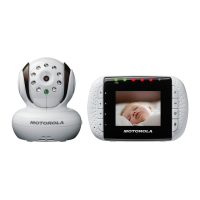
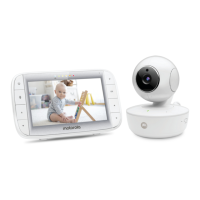
2. Insert 4mm head screws (not supplied) into the holes and tighten
the screws. Then, align your baby unit with the screws and push it
down.
3. Point the camera lens towards the area you want to monitor.
Adjust the baby unit until you are satisfied with the image in the
parent unit.



 To Next Page
 Loading...