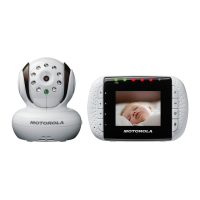
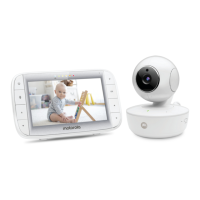
1. Display
2. Menu key ( )
3. Left / Vol - key
4. Microphone
5. Down key
6. Right / Vol + key
7. Up/Talk key
8. Power/Channel*/Enter key
9. Power adapter connector
10. Belt clip
11. Speaker
12. Battery cover screw
13. Battery cover
Overview of your Parent unit
13
11
10
12
Parent unit menu icons
Adjust brightness level of the LCD
Turn the night vision on or off
Adjust the voice activation level
Pair Parent unit to a Camera
9
1
2
8
3
4
5
7
6
*This function is only available for multi-pack version with more than one camera.



 To Next Page
 Loading...