48
P
R
E
L
IMI
N
A
R
Y
Learning to Use Your Phone
To adjust your phone’s wallpaper and screen saver
images, see page 54.
Recording and Viewing Videos
Recording Videos
The image in the camera’s viewfinder appears on your
phone’s display. To change cameras, press
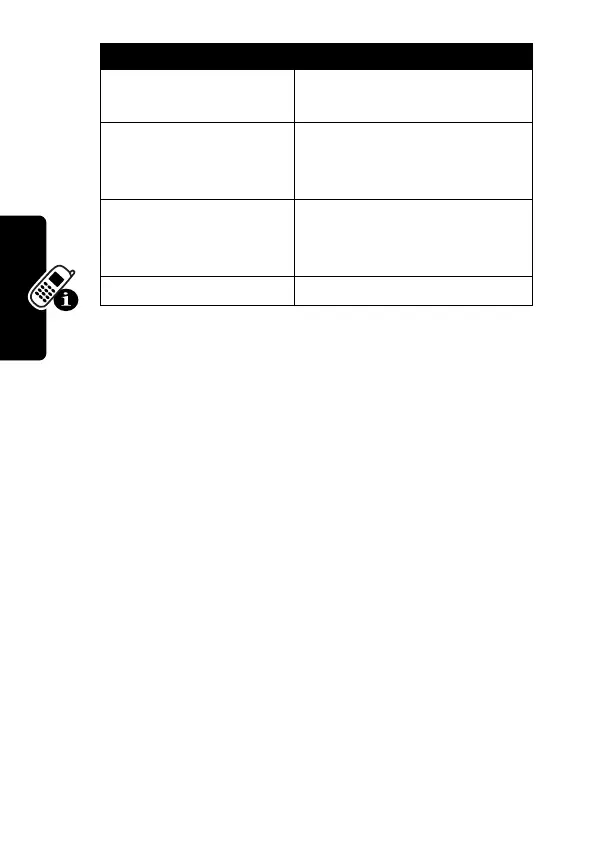
Set as Wallpaper
Set the picture as your
phone’s wallpaper image.
Set as Screen Saver
Set the picture as your
phone’s screen saver
image.
Set as Power-
Up Animation
Set the picture as the image
that appears when you turn
on your phone.
Details
View picture information.
Find the Feature
M
>
Multimedia
>
Videos
>
[New Video]
Option Description


 To Next Page
 Loading...