Front Panel Light
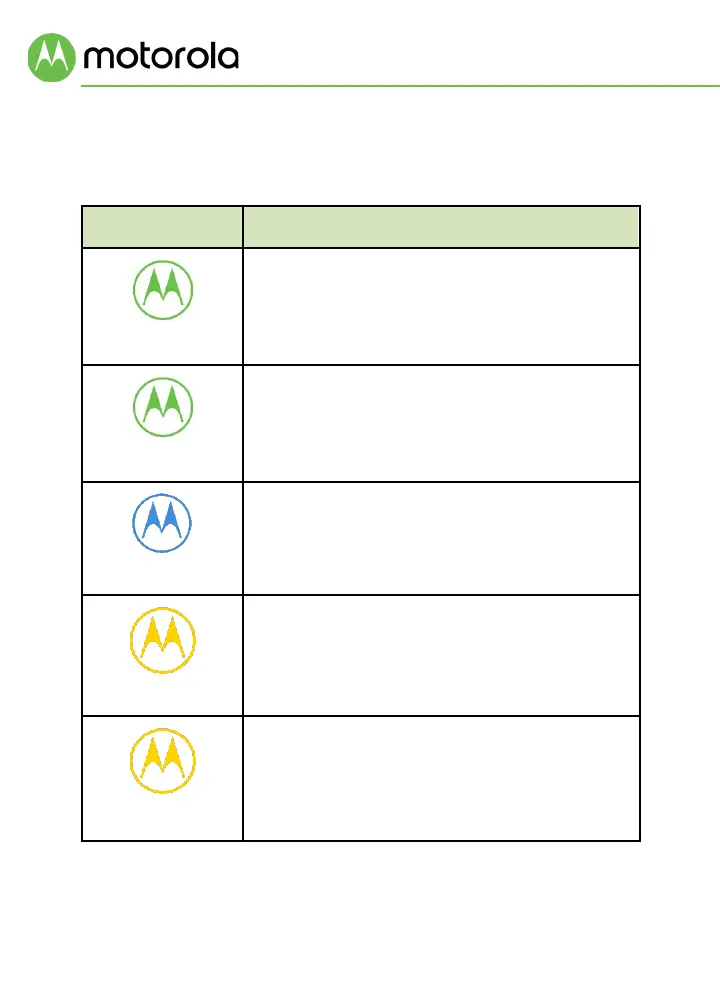
The Motorola Logo on the front of the units will change colors
to indicate the status.
Router: Router is connected to the
Internet.
Satellite: Paired to the Router with a
strong signal.
Both: Unit is powering up.
Router only: After power up, Router not
connected to the Internet.
Satellite only: Satellite is trying to pair with
the Router.
Satellite only: Connected with a weak signal.
Both: WPS is active and in discovery
mode or the software is
being upgraded.














 To Next Page