6 7
Rear panel
The marking plate is located
on the exterior of the bottom
of the unit.
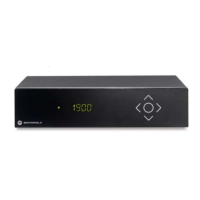
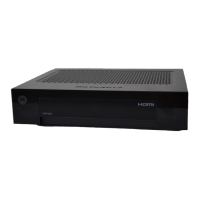
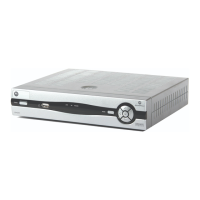
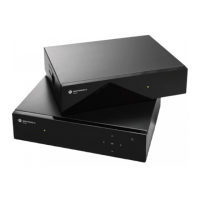
VIP1903 AND VIP1963 OVERVIEW
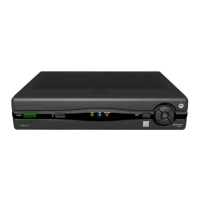
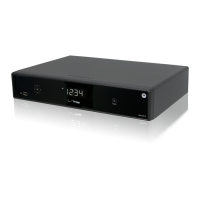
Front panel of models with display
Navigation
keys
Indicator LED
• Green light - the set-top box is operational.
• Flashing red/green light - the
set-top box receives a signal from the
remote control or a keyboard.
• Red light - the set-top box is in stand-by
mode.
Display Standby
switch
REC LED
(On VIP1963 only)
Indicates an on-going
recording
IR receiver
Receives signals from
remote control and
keyboard.
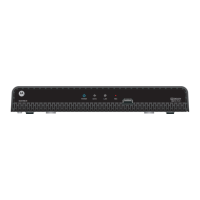
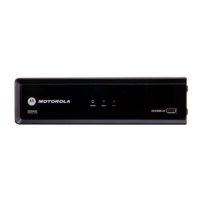
Front panel of models without display
Indicator LED:s
• Green light - the set-top box is
operational.
• Flashing green light - the set-top box
receives a signal from the remote
control or a keyboard.
• Red light - the set-top box is in
stand-by mode.
REC LED
(on VIP1963 only)
Indicates an
on-going recording
IR receiver
Receives signals from
remote control and
keyboard.
VIP1963
RF IN
for connection to digital
cable television.
On T models only.
RF OUT
for loop through of the
RF signal.
On T models only.
ETHERNET
for broadband
connection
YPbPr
(Component video) for con-for con-
nection to TV set (analog
High Definition video
SCART (VCR)
for connection to
additional equipment
such as VCR or DVD
SPDIF
for connection
to digital audio
equipment
SCART (TV)
for connection to TV set
(analog Standard
Definition video)
HDMI
for connection to TV set
(digital High Definition
video)
AUDIO L/R
for connection to HiFi
equipment or TV set
(analog stereo audio)
USB
for connection
to external
devices.
POWER
for connection of
external power supply
TOSLINK
for optical connection to
digital audio equipment


 To Next Page
 Loading...