NOTE:
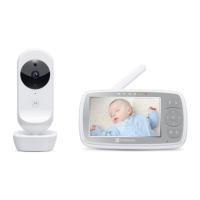
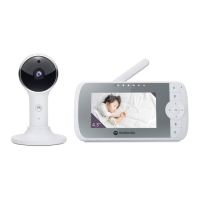
When the Baby and Parent Units are both turned on and within range, the Parent
Unit should show a color image from the Baby Unit camera, but if the room is
dark, the image will be in black and white, with an icon showing, due to the
infra-red illumination by the Baby Unit.
2.3. Desktop Stand of the Parent Unit
• The parent unit comes with a desktop stand attached to the back of the
parent unit.
• To place the parent unit on a desk, simply pull out the stand as shown.
NOTE
Place the parent unit on a flat, even surface.
• Connect the small plug of the power adapter to the parent unit and the
other end to the electrical outlet. Only use the enclosed adapter
(5VDC/1000mA).
•
Press and hold the power button to turn the Parent unit on, the Parent unit
and Baby unit are automatically linked and ready to use.



 To Next Page
 Loading...