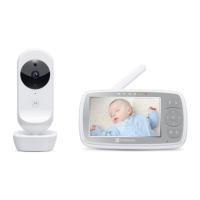
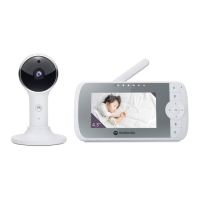
10 9
Overview of the Parent Unit
1. Display (LCD screen)
2. Parent Unit ON/OFF and
Charging LED
Red when the parent unit is ON.
Purple when electrical outlet
connected.
Blue when off and connected to
electrical outlet.
3. Audio Level LEDs (Green, Green,
Amber, Red, Red)
4. MENU button
Press to open / close the Menu
options.
5.
VIDEO ON/OFF button
Press to turn the LCD screen ON/
OFF (Note: audio is maintained.)
6. Navigation button
Move Up/Down/Right/Left
menu options.
Adjust Volume level and
Brightness
7. OK button
8. Power button
Press and Hold to turn the
Parent Unit ON/OFF.
9. TALK button
Press and hold to speak to your
baby.
10.
Microphone
11. Antenna
12. RESET button (recessed - use small
pin)
13. Speaker
14. Power Socket
15. Stand



 To Next Page
 Loading...