3Power it
Power it
let’s get you up and running
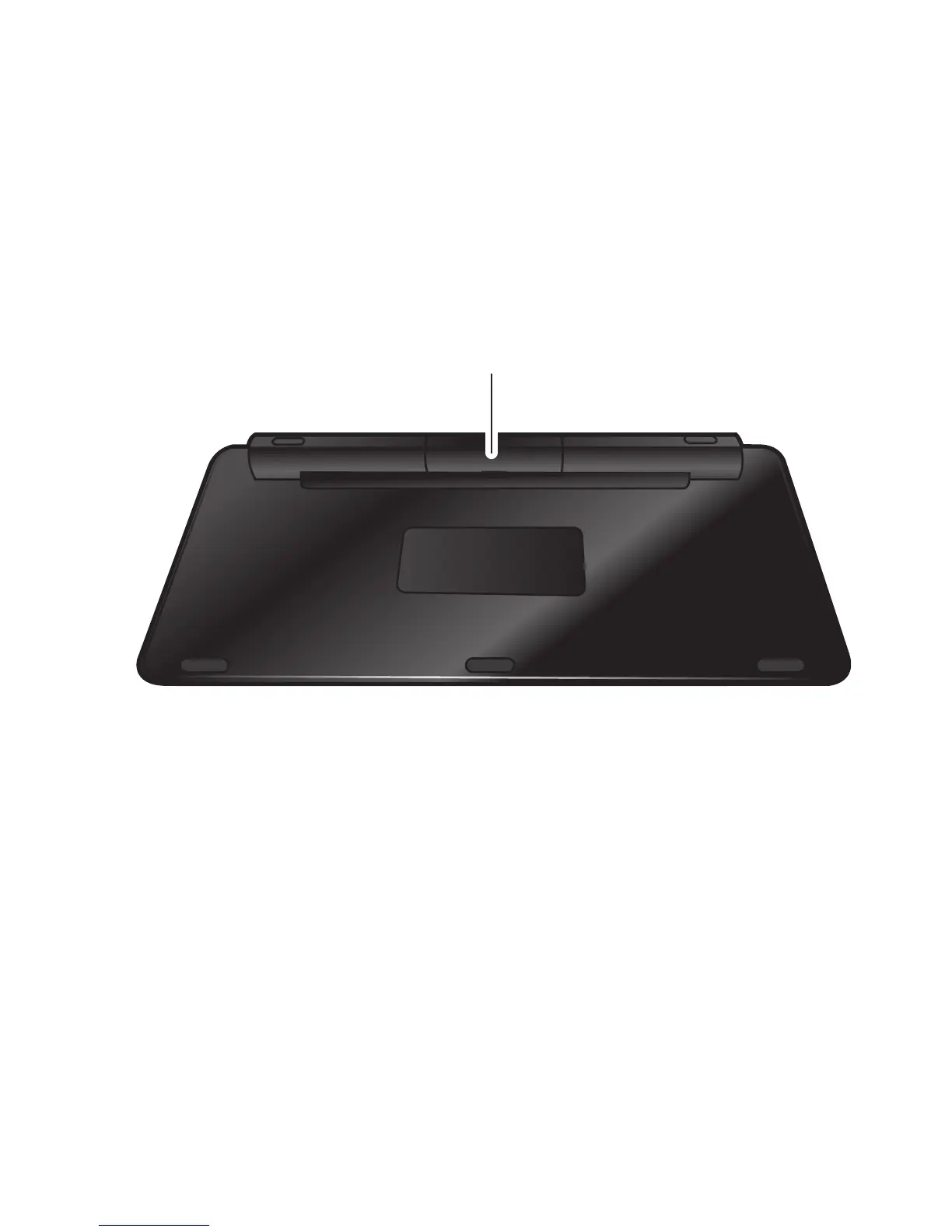
Install batteries
1 Turn the keyboard over and remove the battery
cover.
2 Insert 2 “AA” batteries and replace cover.
Note: Fresh batteries can provide up to six months of
active use (and twelve months of standby use). Actual
battery life depends on usage.
Note: To save battery life, turn off keyboard when not
in use.



 To Next Page
 Loading...