Page 13
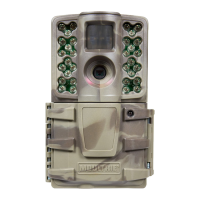
M-990i (Gen2) Digital Game Camera
Page 8
M-990i (Gen2) Digital Game Camera
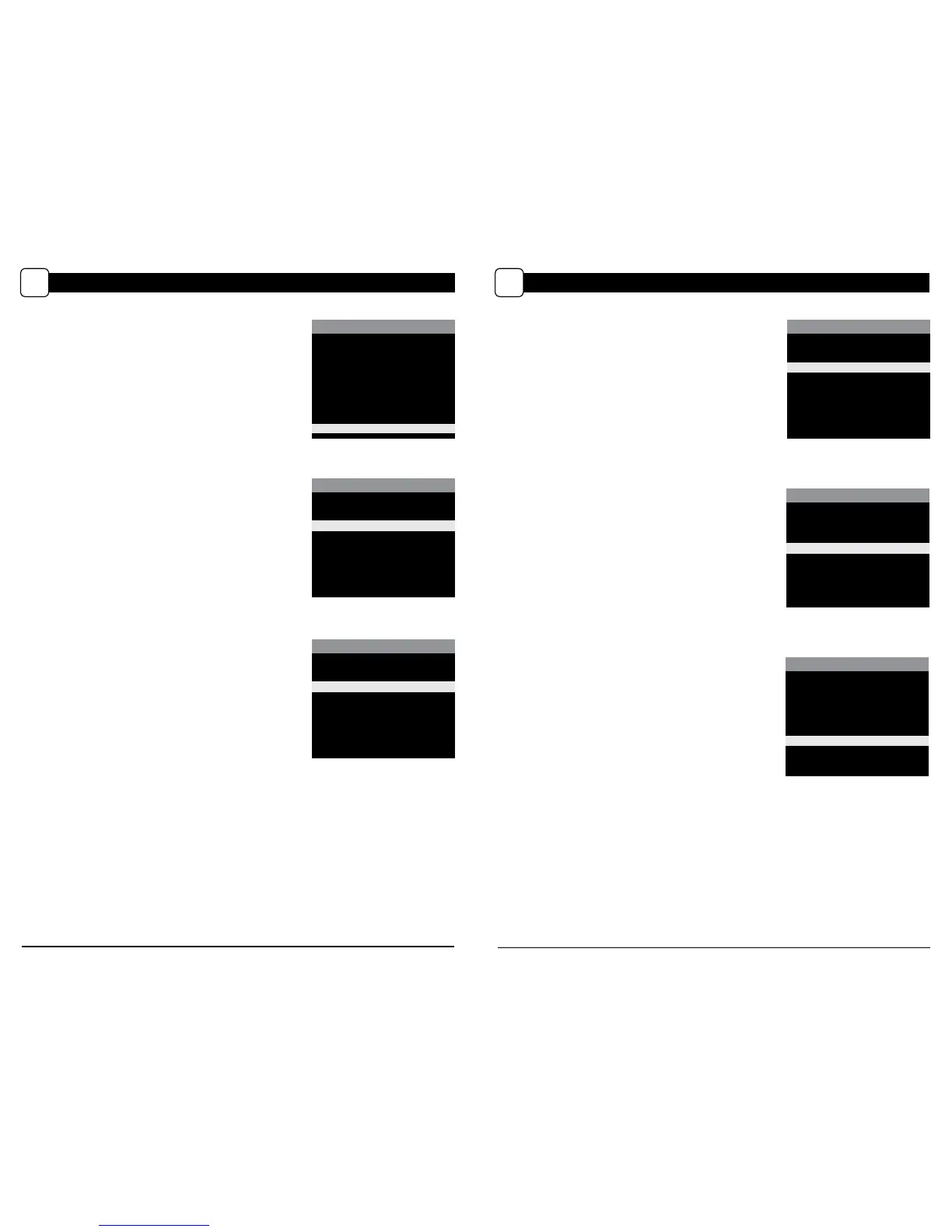
SETTING MOTION DETECT OPTIONS
E
Setting Detection Delay
Detection Delay determines the number of minutes between
pictures when an animal is detected and remains in range.
Press the OK button. Use the Up/Down buttons to choose
between (5 sec, 10 sec, 30 sec, 1 min, 5min, 10min, or 30 min).
Press OK to lock in your selection, then press Left
button to go to the next option.
SETTING PHOTO/VIDEO OPTIONS (cont.)
I
PHOTO/VIDEO SETTINGS
VIDEO RESOLUTION
SD (640x480)
X HD (1280x720)
Setting Video Quality
Press the OK button. Use the Up/Down buttons to choose
between 2 image quality settings.
1. HD: 1280 x 720
2. VGA: 640 x 480
Press the OK button to conrm the selection. Press the Right
button to move to the next option.
VIDEO LENGTH
90 seconds
60 seconds
30 seconds
X 10 seconds
5 seconds
PHOTO/VIDEO SETTINGS
Setting Video Length
Press the OK button. Use the Up/Down buttons to choose
between 5 video length settings (5, 10, 30, 60 or 90 seconds).
Press the OK button to conrm the selection. Press the Right
button to move to the next option.
MOTION DETECT MODE
DETECTION DELAY
30 minutes
10 minutes
5 minutes
1 minute
30 seconds
10 seconds
MOTION DETECT MODE
PIR SENSITIVITY
X High
Low
PIR Sensitivity
PIR Sensitivity allows you to control as to how much
movement
and at what distance the camera will trigger.
HIGH sensitivity will allow for more distance, but will make
the camera slightly more susceptible to false triggers and
is ideal for open areas such as elds and food plots. LOW
sensitivity will shorten the distance but lower the chance of
false triggers and is ideal for close range traps and deeply
wooded areas. Press the OK button. Use the Up/Down
buttons to choose between (HIGH or LOW). Press OK to lock in
your selection, then press Left button to go to the next option.
MOTION DETECT MODE
MULTI-SHOT
X 1 (o)
3 Triggered
3 Burst
Setting Multi-Shot
Press the OK button. Use the Up/Down buttons to choose
between settings. Choose how many pictures you would like
captured in a sequence when the camera is triggered (1 or 3).
Available options are:
1 (OFF) - Single photo taken per event.
3 BURST - Three rapidly captured photos taken per event.
All 3 photos are captured within one second.
NOTE: Burst mode is only capable of up to 4MP captures,
regardless of your resolution setting.
3 TRIGGERED - Up to three photos are captured per event
with an approximate one second delay between each
capture. Each subsequent photo after the rst requires an
individual trigger. This allows for multiple potential image
captures of the same event while reducing the chance of
empty images if the subject moves out of the eld of view
after the rst shot.
Press OK to lock in your selection, then press Left button to
go to the next option.
PHOTO/VIDEO SETTINGS
MOTION FREEZE
X On (Fast Flash)
O (Max. Flash)
NOTE: On (Fast Flash) reduces
image blur, but also reduces
ash range.
Setting Motion Freeze
This feature maximizes the image clarity during night photos.
When this feature is on the camera will adjust the exposure
time to reduce blur associated with motion. Other adjustments
are made to increase the brightness and clarity of the photo.
When this feature is turned o the camera will use a maximum
exposure time that will not reduce blur, but will increase the
eective ash range and image brightness of night photos.
Press the OK button to conrm the selection. Press the Right
button to move to the next option.


 To Next Page
 Loading...