12
SETTING PHOTO/VIDEO OPTIONS (cont.)
H
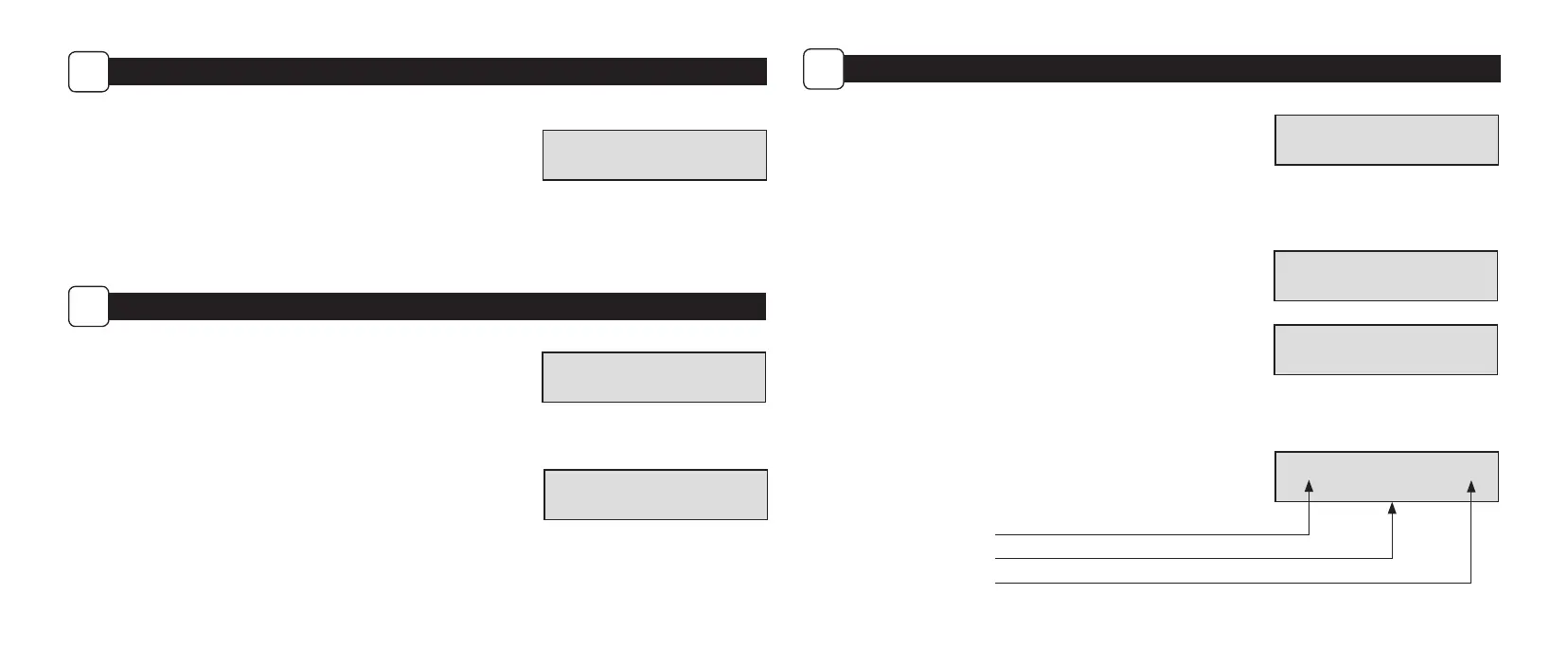
Setting Video Length
Choose between 5 video length settings (5, 10, 30, 60 or 90 seconds).
NOTE: Night videos are limited to a maximum of 30 seconds.
VIDEO LENGTH
10 SECONDS
MEMORY OPTIONS
I
Erase Images
Choose between Yes - erase all images, or No - does not change stored images.
NOTE: This will also format your SD card for use in your camera.
Managed Memory
Selecting the OVERWRITE OLDEST option will cause the oldest les to be overwritten with
new captures when the SD card reaches its capacity. With the DO NOT OVERWRITE option
selected, the camera will cease image capture once the SD card reaches capacity.
ERASE ALL IMAGES
NO
MANAGED MEMORY
DO NOT OVERWRITE
13
SYSTEM OPTIONS
J
Security Code
Select a 5 digit security code for your camera.
NOTE: Please remember your security code. If the code is lost, you can contact
Moultrie customer support to reset the password (charges may apply). Also,
use caution when navigating through the Security Code option as not to set a
code by mistake. For no Security Code, the setting should remain as “00000”.
PROGRAM SECURITY
CODE 00000
Conrm Security Code
Once a Security Code has been entered, the camera will prompt you to verify the code.
This will keep you from mis-entering a code or seting a code inadvertantly.
Reset to Default settings
You can reset your camera to the factory default settings.
Choose either YES - all setups restored to factory default or NO - keep custom settings.
CONFIRM SECURITY
CODE 00000
FACTORY RESET?
NO
Start Screen Legend
Once you press the Start button in any mode, the display screen will show some
important information, as shown here.
B96% 0001/9999
1 PHOTO
Battery Life Remaining
Scrolling Settings Selected
Photos Taken/Remaining


 To Next Page