mountztorque.com - 1080 N 11
th
St, San Jose CA 95112 - 408.292.2214
Firmware upgrade
1) Remove the SD card for data saving and use the new SD card for firmware update only.
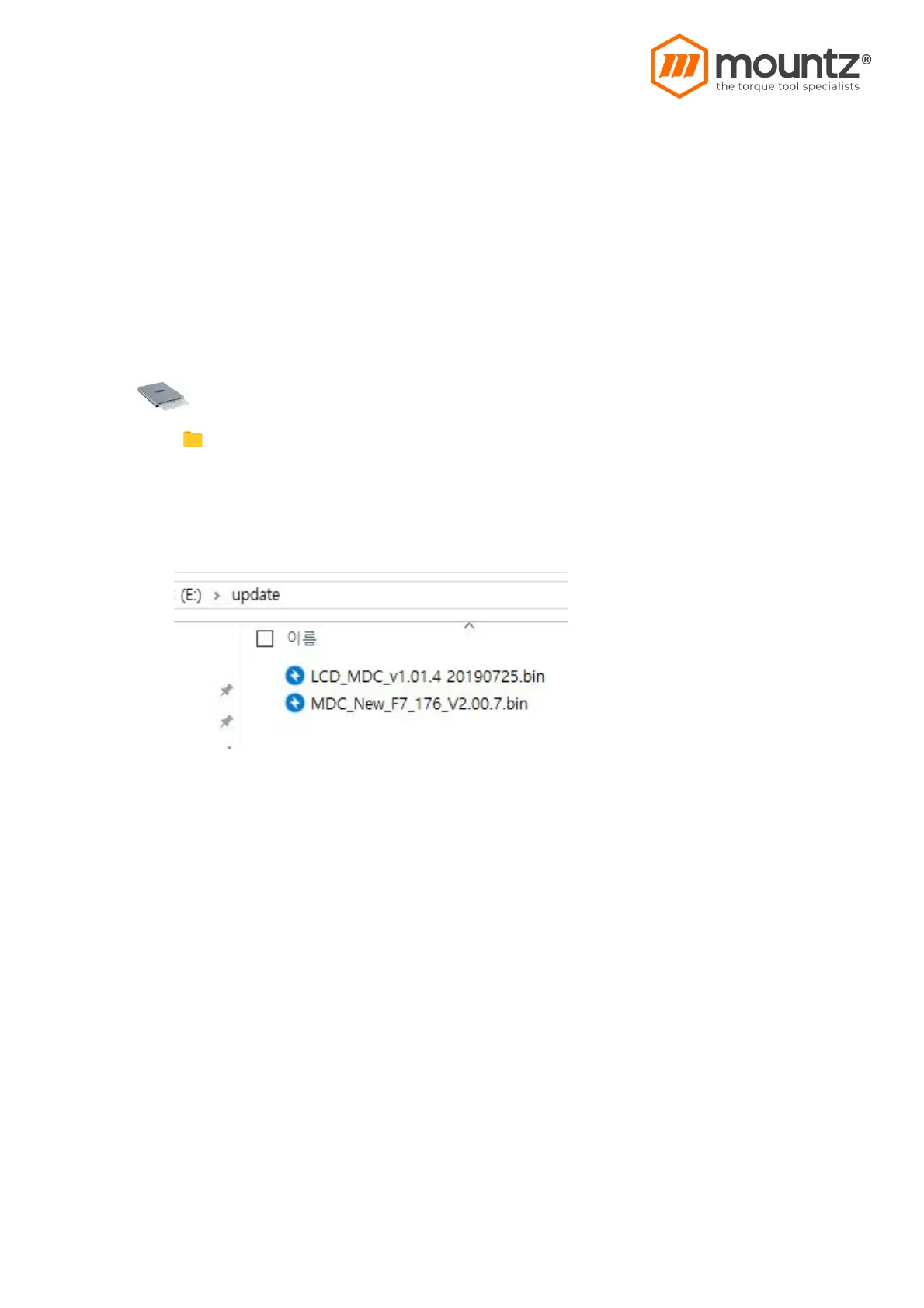
2) Create the folder “ Update “
3) And copy the firmware files in each folder
4) Insert the SD card, and power ON the controller, then it is updated automatically.
SD Memory card
update
MDC*.bin ( MDC firmware file )
LCD*.bin ( LCD firmware file )


 To Next Page