mountztorque.com - 1080 N 11
th
St, San Jose CA 95112 - 408.292.2214
1045 0071
MD3201 0000
17090001
Parameters
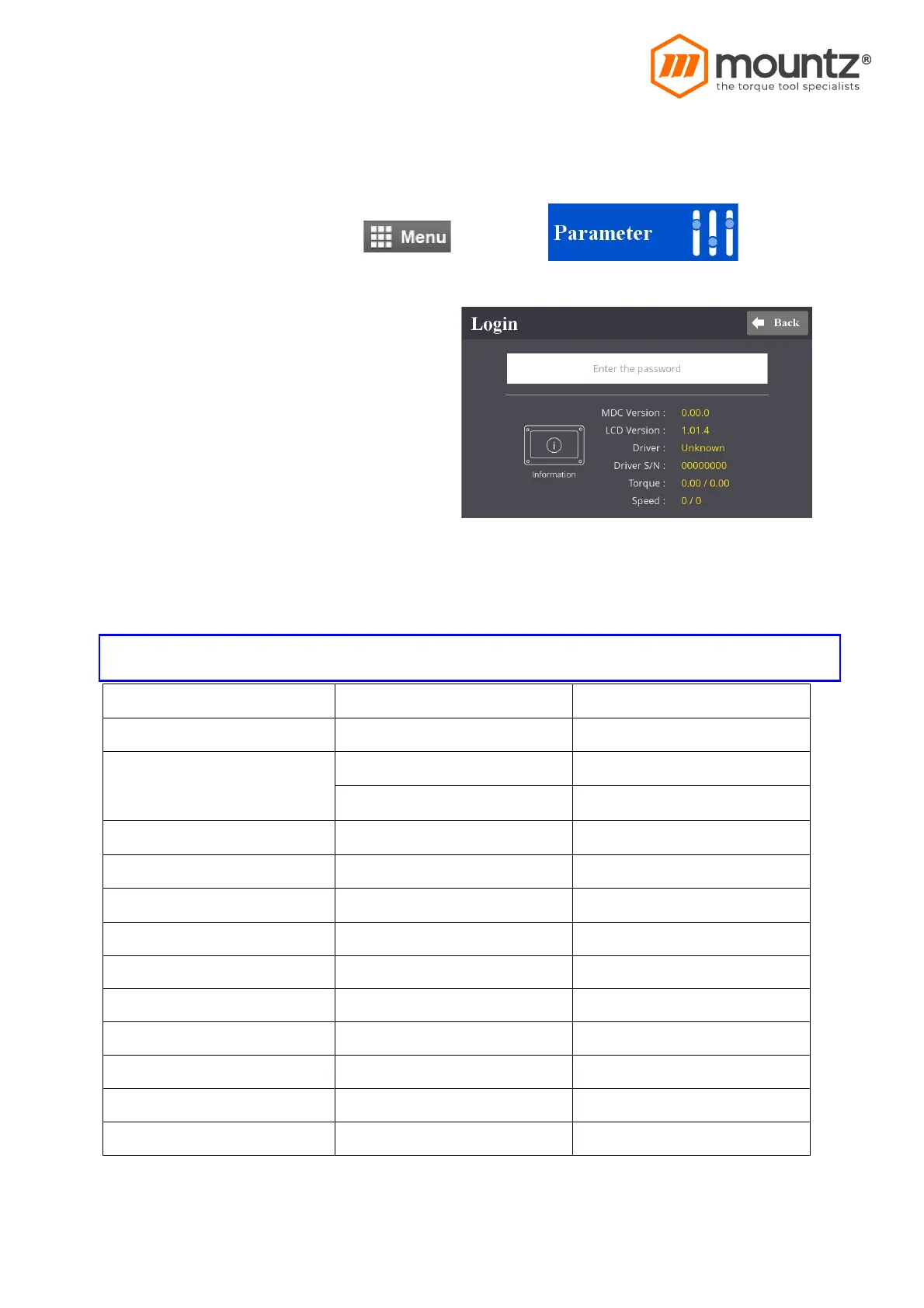
To program each Presets, Click and go to
Parameter menu require password to log in
the initial factory setting is “ 0 “ for password
The password can be changed once log in.
There are approx.. 500 address for each
parameters. Parameters are grouped for
each settings as below
On the log in window, there are tool information about controller firmware version, LCD UI
graphic version and option card firmware version, screwdriver model, serial no
Parameter group
Please refer to the operation manual of ParaMon PC software for details of parameter settings.


 To Next Page